
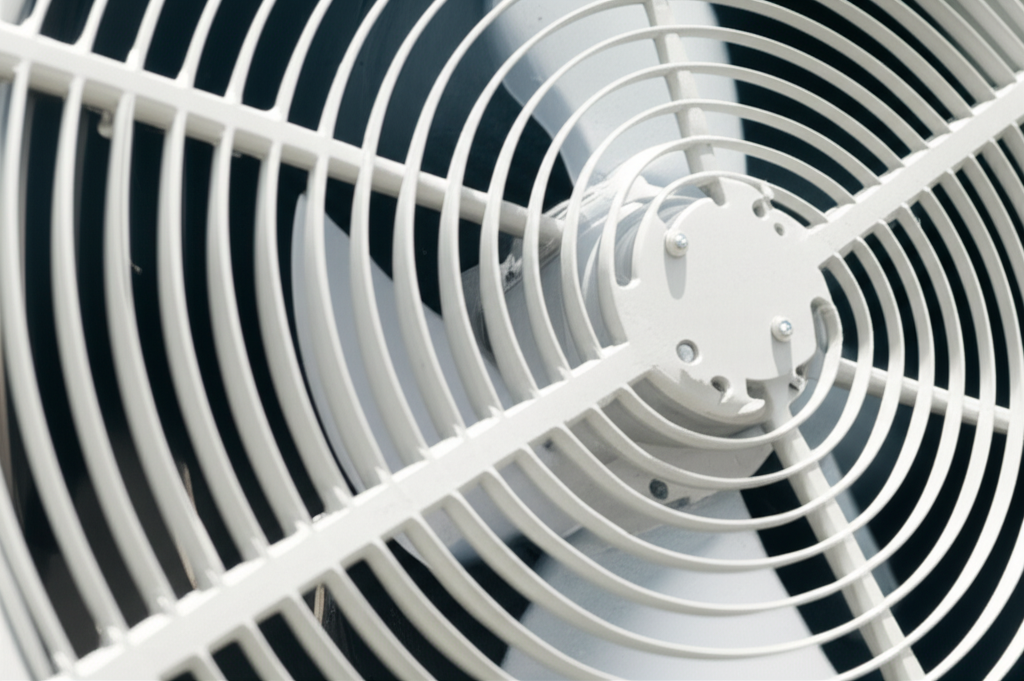
If your evaporative cooler fan isn’t spinning, start by checking the power plug and the wall switch. If power is good, the issue is likely a tripped thermal overload protector, a loose belt, or a bad capacitor. These simple checks can often get your fan blowing cool air again fast!
Is your evaporative cooler making noise but no air is moving? That is frustrating, especially when the weather gets hot. Dealing with AC problems can feel confusing and expensive. You do not need to be an HVAC expert to fix simple issues, though. I am Jack from ACReviewHub.com, and I am here to help you sort this out. We will walk through every step slowly. Soon, you will understand exactly what is going on with your cooler fan.
What is an Evaporative Cooler Fan and Why Does It Stop?
An evaporative cooler, sometimes called a swamp cooler, works by pulling hot air through water-soaked pads. The fan is the main part that moves this air across the pads and into your home. If the fan stops, you just get a wet box, not cool air.
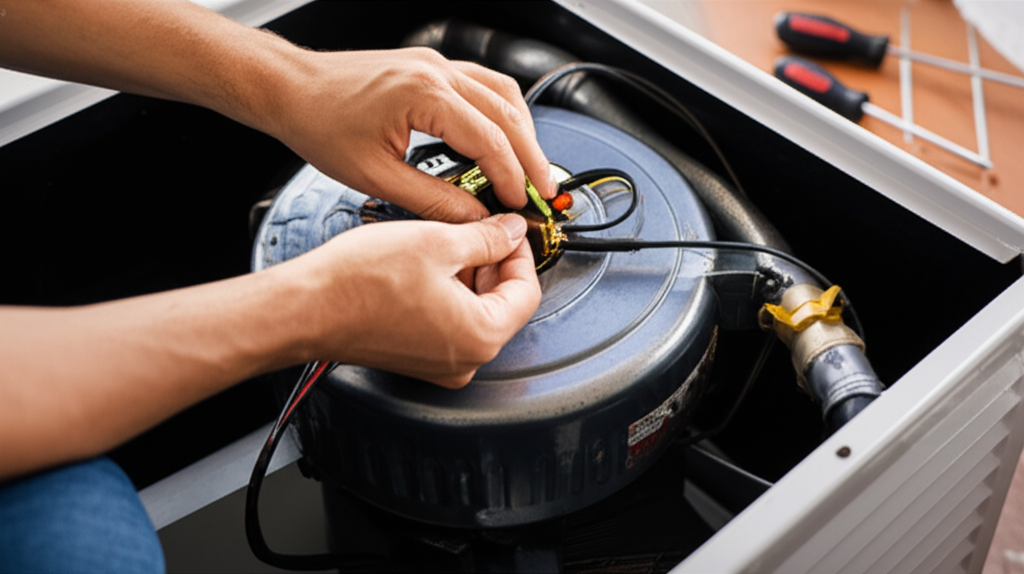
Fans usually stop for three main reasons. First, it might not be getting electricity. Second, the motor might be stuck or overloaded. Third, the belt that connects the motor to the fan wheel might have slipped or broken. Don’t worry; we check the easy stuff first.
Step 1: Safety First—Always Cut the Power!
Before touching anything inside the unit, safety is the most important step. You are dealing with electricity and moving parts. Never skip this part.
Here is the simple safety checklist:
- Turn off the fan switch on the unit itself.
- Turn off the power switch at your home’s main breaker box for the cooler.
- Unplug the unit if it is a portable model.
Step 2: Simple Checks for Power Issues (The Easiest Fixes)
Sometimes the answer is surprisingly simple. We check the outside connections first before opening up the machine.
Check these things in order:
- The Wall Outlet: Plug a small lamp or radio into the same outlet the cooler uses. Does the lamp turn on? If not, the outlet has no power.
- The Cord: Look closely at the power cord for any cuts or damage. A damaged cord needs replacing right away.
- The Cooler Switch: Make sure the fan speed switch on the unit is firmly set to an “On” position, not stuck between speeds.
Step 3: Finding the Thermal Overload Protector
Evaporative cooler motors get very hot sometimes, especially if the fan wheel is hard to turn. To protect itself from burning out, the motor has a safety switch called a thermal overload protector. It trips (shuts off) when it gets too hot.
If the fan was running hot, this is probably your issue. You need to let the motor cool down first. Wait at least 30 minutes.
How to reset it:
- Locate the motor housing, usually near the belt.
- Look for a small, often red or black button on the side of the motor. This is the reset button.
- Gently push this button in. You might hear a small click.
- Wait five minutes, then try turning the power back on.
Step 4: Inspecting the Fan Belt and Motor (The Mechanical Check)
If the motor hums but the fan does not spin, the belt is the next thing to check. This is common on larger, permanently installed swamp coolers.
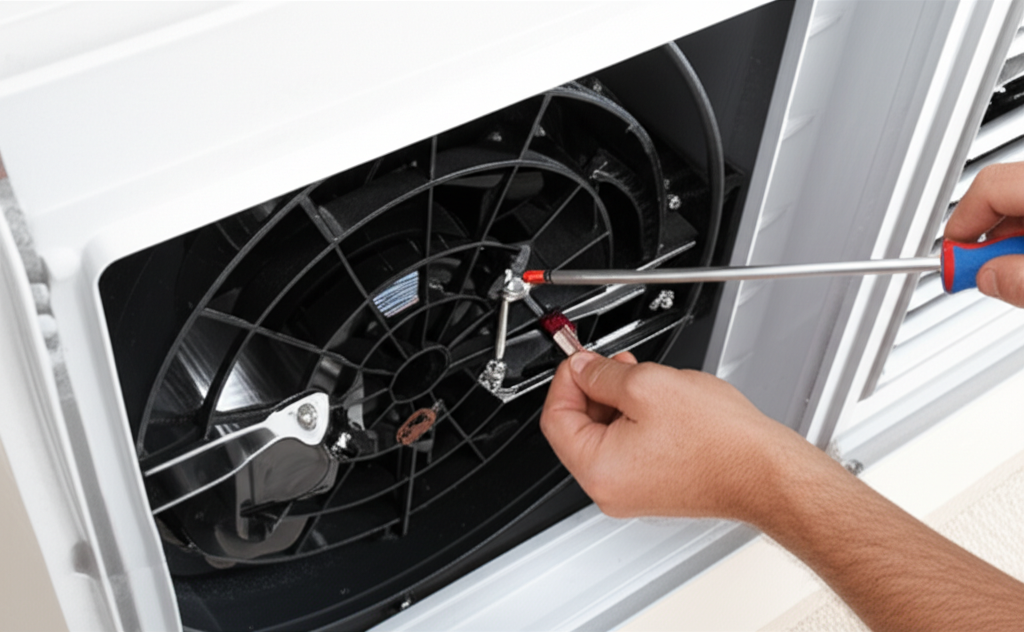
You will need to open the access panel to see the belt system. Remember, the power must be OFF at the breaker!
Look at the pulleys and the belt connecting them. A good belt should be tight and slightly flexible. If it is loose, it might slip off the pulley.
Here are the possible belt problems:
| Symptom | What It Means | Fix |
|---|---|---|
| Belt is completely missing | It fell off or snapped completely. | Reinstall or replace the belt. |
| Belt is very loose | It is slipping and cannot grip the pulleys. | Tighten the belt tension slightly. |
| Belt is cracked or frayed | It is old and needs replacement soon. | Replace the belt immediately. |
If the belt has slipped off, carefully place it back onto both the motor pulley and the fan pulley. Make sure it sits correctly in the grooves.
Step 5: Checking the Capacitor (If the Motor Won’t Start)
If the motor hums loudly but won’t turn, even with a good belt, the capacitor might be failing. The capacitor gives the motor the extra jolt of electricity it needs to start spinning. This is a bit more technical, so be careful.
Important Note: Capacitors hold an electrical charge even when the power is off. If you are not comfortable working around these components, call a professional for this step. For beginners, it is often safer to replace the whole motor assembly if the capacitor is the suspected part.
If you decide to check it, you must safely discharge the capacitor first before touching the wires. Look for signs like bulging or leaking fluid on the capacitor—these mean it needs immediate replacement.
When to Call in the AC Experts
Sometimes, even after checking the power, the reset button, and the belt, the fan still won’t move. It might be time to call a certified technician. This usually means the motor itself has burned out and needs replacement, or there is a wiring issue deep inside the unit.
You should call for help if:
- The motor smells like burnt plastic or wires.
- The motor gets extremely hot very quickly, even after cooling down.
- You find damaged wires inside the housing.
- The fan blade spins freely by hand, but the motor won’t engage when powered on.
For more details on efficient cooling systems, you can always check resources like the U.S. Department of Energy website for tips on keeping your unit running well: Energy.gov.
Common Evaporative Cooler Troubleshooting Quick Guide
Here is a quick chart to help you decide what to do next time you have a small issue:
| Symptom | Most Likely Cause | Beginner Fix? |
|---|---|---|
| Fan is silent, no power | Tripped breaker or loose plug. | Yes (Step 2) |
| Motor hums, fan doesn’t move | Thermal overload or loose belt. | Yes (Steps 3 & 4) |
| Fan spins slowly or weakly | Bad capacitor or severely dirty motor bearings. | Maybe (Call for capacitor) |
| Fan spins but moves little air | Clogged water pads or clogged fan wheel. | Yes (Clean pads) |
Frequently Asked Questions for Beginners
Q1: How often should I check the fan belt?
A: Check it once at the start of every cooling season, and give it a quick wiggle check monthly during heavy use.
Q2: Can I just replace the motor myself?
A: Yes, if you are handy, but make sure you buy the exact replacement motor with the correct horsepower (HP) and RPM rating for your cooler.
Q3: Why does my fan only work on the highest setting?
A: This often means the starting capacitor is weak, or the lower speed windings inside the motor are damaged.
Q4: Do I need to oil my evaporative cooler fan motor?
A: Many modern motors are permanently sealed and do not require oiling. Check your owner’s manual first! If it does need oil, use only the type specified by the manufacturer.
Q5: Is it safe to spray the fan blades down with water?
A: Never spray water directly onto the motor or electrical components! Only clean the fan blades if the power is completely off and the unit is dry.
Q6: How can I stop the thermal overload from tripping again?
A: Make sure your water pads aren’t too thick or clogged, which makes the fan work harder. Also, ensure the fan blades are clean and spin freely.
Q7: What is the difference between a swamp cooler and a regular AC?
A: A regular AC uses refrigerant to cool air (it blows out hot air outside). A swamp cooler uses water evaporation to cool air (it adds humidity to the air).
Keeping Your Cooler Running Smoothly All Summer
Fixing a stopped fan is usually a straightforward process when you break it down. Remember to always prioritize safety by cutting the power first. Most beginner issues are just tripped switches or loose belts that need a quick look.
By checking the power, resetting the thermal protector, and inspecting that belt, you have fixed 80% of common fan failures. Stay consistent with these simple checks, and you will save energy and stay cool without needing a costly service call. You have got this!
