
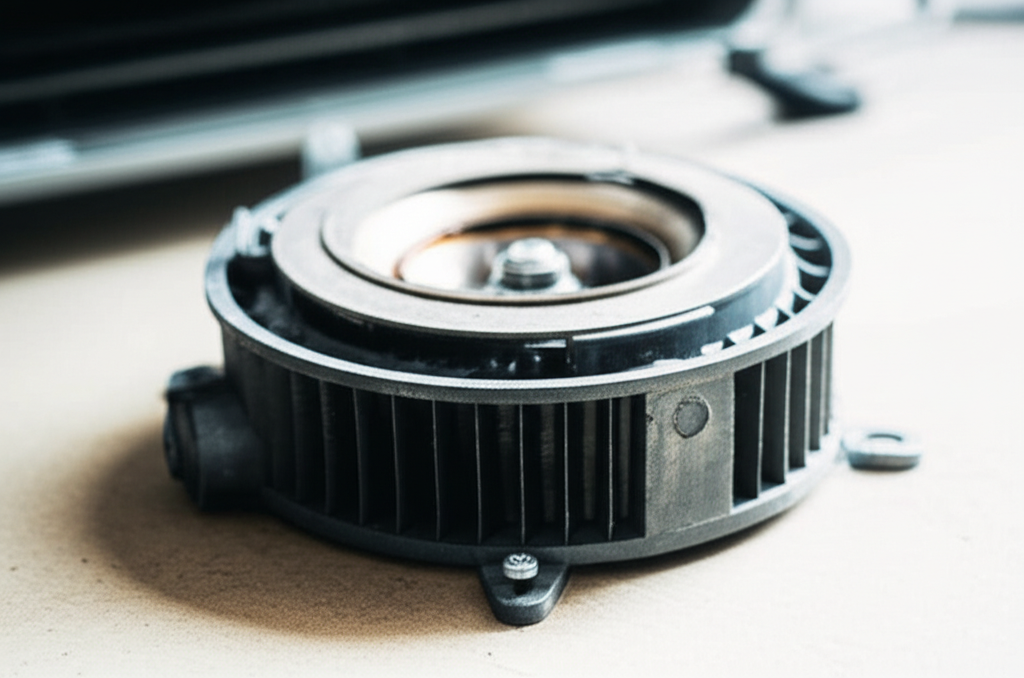
Quick Fix for Your Swamp Cooler Motor: To clean your evaporative cooler motor, always unplug the unit first! Then, use a soft brush and gentle cleaner to remove dust and grime from the housing and fan blades. This simple routine keeps your cooler running quietly and efficiently all summer long.
Are you noticing your swamp cooler isn’t blowing as cool as it used to? Maybe it sounds a little louder than last year. It is easy to feel confused when your cooling stops working right. But don’t worry; many common issues are simple fixes you can do yourself. We are here to take the mystery out of air conditioning maintenance. Today, we will focus on a key part: the motor. Learning to clean the motor on your evaporative cooler is a great way to save money and stay cool. Let’s get started!
What Is an Evaporative Cooler Motor and Why Does It Need Cleaning?
An evaporative cooler, often called a swamp cooler, uses water evaporation to cool the air. The motor is the heart of this system. It does two main jobs for your cooler.
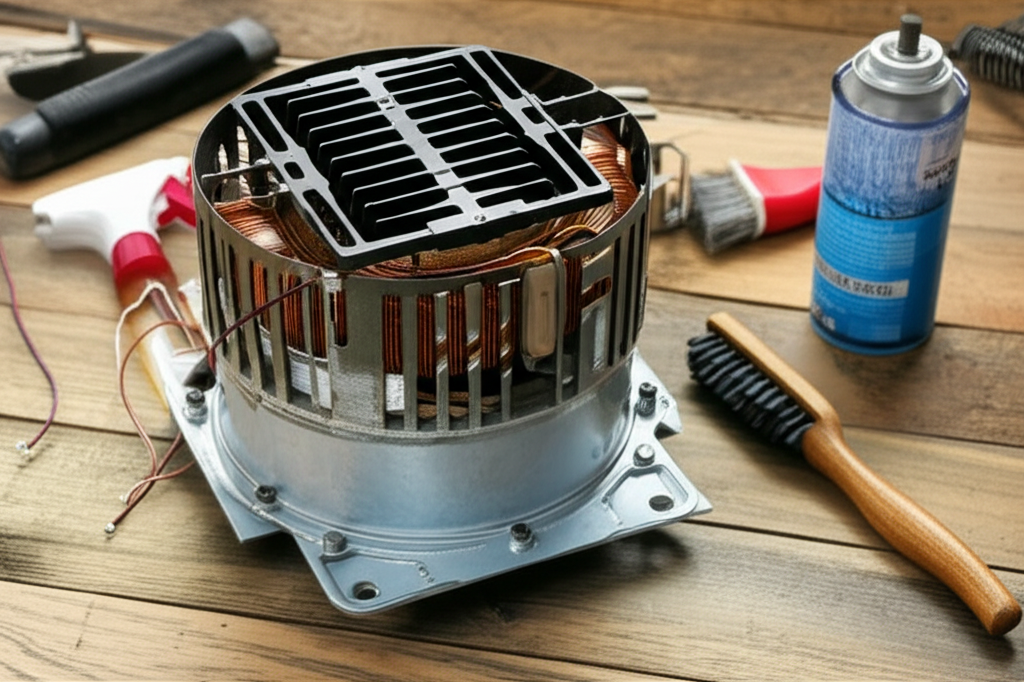
First, the motor spins the fan. This fan pulls warm outside air into the unit. Second, it usually runs the small water pump. The pump sends water over the cooling pads. Both parts need to spin freely to work well.
When the motor gets covered in dust, lint, or mineral buildup from the water, it struggles. This struggle makes it use more electricity. It also causes the motor to run hot. A dirty motor means less cool air for you.
Safety First: Unplug Before You Polish!
This is the most important step, so please read it carefully. Electricity and water do not mix well, especially when you are cleaning. We must keep you safe while you fix your cooler.
Always follow these safety steps before touching any internal parts of your swamp cooler:
- Completely turn off the cooler at the thermostat.
- Unplug the cooler from the wall outlet. Do not just turn it off; pull the plug out.
- If your cooler is hardwired (no plug), you must turn off the power at the main circuit breaker box. Double-check the power is off.
Gathering Your Simple Cleaning Tools
You do not need fancy tools for this job. Most items you already have around the house. Think of this as giving your motor a nice, gentle bath.
Here is your simple cleaning checklist:
- A soft-bristled brush (like an old paintbrush or a toothbrush).
- A damp, soft cloth.
- Mild dish soap mixed with water (optional, for sticky spots).
- A vacuum cleaner with a brush attachment (handheld works great).
- A can of compressed air (optional, for blowing dust out of tight spots).
Step-by-Step Guide: Cleaning the Evaporative Cooler Motor
Now that we are safe and have our tools, let’s clean that motor. Remember, we are being gentle. Motors have delicate parts.
Step 1: Access the Motor Area
You need to open the cabinet of your swamp cooler. Usually, this means removing a few screws or clips on the side panel where the fan and motor are located. Keep these screws in a safe spot, like a small bowl.
Step 2: Clean the Fan Blades First
The motor spins the fan, so cleaning the fan often makes the biggest difference. Dust builds up heavily on the blades.
Use your soft brush or vacuum attachment to carefully remove loose dust from all sides of the fan blades. If the blades are really sticky, use a cloth lightly dampened with soapy water. Be careful not to let water drip onto the motor itself.
Step 3: Dusting the Motor Housing
The motor is usually a small, metal cylinder near the fan. It often has fins on the outside to help it cool down.
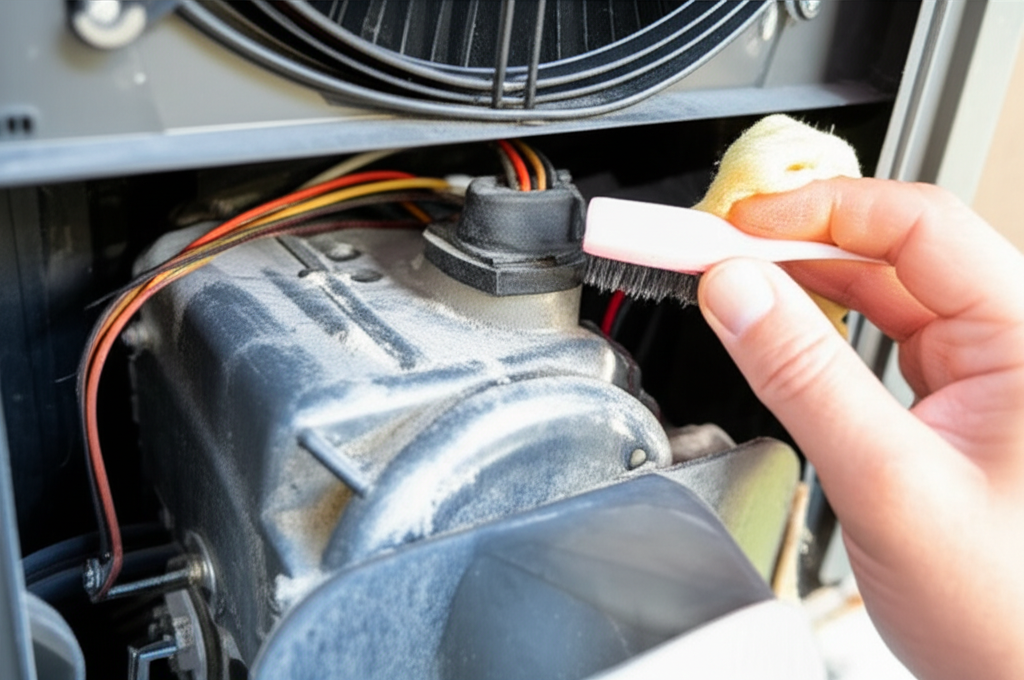
Use your soft brush to gently sweep away any dust clinging to the motor housing. If you have a vacuum, use the brush attachment to suck the dust away as you brush it loose. This prevents the dust from just falling back onto the unit.
Step 4: Clearing Ventilation Openings
Motors need air to stay cool. Look for small vents or openings on the motor casing. Dust blocks these vents, which is bad news.
If you have compressed air, give a short burst into these vents to push out any deeply embedded dust. If you don’t have compressed air, just use a dry toothbrush to gently clear the openings.
Step 5: Checking the Motor Mounts and Belt (If Applicable)
Some older or larger units use a belt to connect the motor to the fan. Check this belt.
If the belt is cracked, frayed, or looks very loose, it might need replacing soon. A loose belt causes squeaking noises and reduces cooling power. If it’s just dusty, wipe it clean with a dry cloth.
Step 6: Reassemble and Test
Put the side panel back on securely. Make sure all screws are tight. Plug the cooler back in. Turn it on low first.
Listen closely. Does it sound smoother? Is it running quietly? If yes, you did a great job! If it’s still loud, you might have a bearing issue, which is a job for a professional.
When to Call in the AC Pro: Knowing Your Limits
While cleaning the exterior dust is easy, some motor problems need an expert. Don’t hesitate to call a technician if you notice these signs:
- The motor hums loudly but doesn’t spin.
- You smell burning plastic or electrical odors.
- The motor housing feels extremely hot to the touch after running for just a few minutes.
- You notice oil leaking from the motor shaft (this usually means the internal bearings are failing).
For more detailed information on maintaining cooling systems, you can always check resources like the U.S. Department of Energy, which offers great tips on home energy use.
Evaporative Cooler Motor Health vs. Cleaning Frequency
How often you need to clean depends on how dusty your environment is. Here is a simple guide to help you schedule your cleaning tasks:
| Environment | Recommended Motor Cleaning Frequency | Why? |
|---|---|---|
| Very Dusty/Arid (e.g., desert) | Monthly during peak season | Dust buildup happens very fast and restricts airflow immediately. |
| Average Suburban Home | Every 6 to 8 weeks | A good balance between use and required maintenance. |
| Low Dust/Clean Indoor Setting | At the start and end of the season | Minimal exposure means less frequent deep cleaning is necessary. |
Consistent, light cleaning is always better than waiting for a big problem to happen. Think of it like brushing your teeth—a little every day keeps the big problems away!
Frequently Asked Questions (FAQ) for Swamp Cooler Owners
Q1: Can I spray water directly on the motor to clean it?
No, absolutely not! Water can get into the electrical windings or bearings, causing rust or short circuits. Always use a brush or a damp (not wet) cloth.
Q2: My motor is making a high-pitched squeal. What is that?
That squeal is usually caused by dry motor bearings or a loose/worn belt. Try lubricating the bearings if your model allows it, or replace the belt if it looks old.
Q3: Does cleaning the motor help my cooling power?
Yes, it helps a lot! A clean motor runs cooler and uses less energy to spin the fan. This means the fan moves more air across the wet pads, giving you better cooling.
Q4: How do I know if my motor is burned out?
If you turn the unit on and hear nothing, or you smell a distinct electrical burning smell, the motor is likely burned out and needs replacement.
Q5: Should I oil the motor myself?
Only if your specific motor model has accessible oil ports (usually small caps on the sides). Many modern motors are permanently sealed and require no oiling. Check your owner’s manual first!
Q6: Can I clean the pads and the motor at the same time?
Yes! That is the perfect time. When you drain and clean the pads, you are already turning the power off. Use that opportunity to quickly dust the motor as well.
See? Cleaning your evaporative cooler motor isn’t scary at all. It’s just a few simple, safe steps that make a huge difference in how well your unit works. By taking care of this small part now, you are ensuring a cooler, more comfortable summer without a huge energy bill.
Keep up these easy maintenance habits, and your AC system will reward you with reliable performance year after year. You’ve got this!
