
Your portable AC remote suddenly stopped working? You’re not alone—this common issue can be frustrating, especially during hot days. The good news is that most remote control problems have simple solutions. From dead batteries to signal interference, we’ll walk you through practical steps to diagnose and fix the issue so you can enjoy comfortable cooling without lifting a finger.
Have you ever reached for your portable AC remote only to find it completely unresponsive? Maybe the screen won’t light up, or pressing any button does nothing. It’s one of the most annoying hiccups when you just want to adjust the temperature or turn off the fan. But don’t panic—your portable AC isn’t broken; chances are, the problem lies with the remote itself. Whether you’re cooling down a small apartment or setting up temporary relief in a rental space, a non-working remote shouldn’t ruin your comfort.
Portable AC units are designed for convenience, and the wireless remote control is a big part of that. Without it, you’d need to physically open the unit every time you wanted to change settings—something no one wants to do repeatedly. Fortunately, most remote control failures aren’t serious and can be solved quickly with some basic troubleshooting. In this guide, we’ll cover everything from simple checks like battery replacement to more advanced fixes like resynchronization and signal testing.
Key Takeaways
- Battery issues are the most common cause: Check if your portable AC remote has fresh batteries or try replacing them with new ones.
- Signal interference can block commands: Move obstacles between the remote and unit, and avoid strong light sources like direct sunlight.
- The receiver on your AC may be faulty: Clean the sensor window gently and ensure nothing is blocking it.
- Resetting the remote often solves sync problems: Try the reset procedure in your manual or use a paperclip to press the reset button.
- Physical damage requires repair or replacement: Cracked buttons or broken circuits usually mean professional help or buying a new remote.
- Universal remotes offer a backup solution: Consider programming a universal remote as an alternative while troubleshooting.
- Prevent future issues with proper care: Store the remote in a dry place, avoid dropping it, and clean it regularly.
Quick Answers to Common Questions
Can I fix a cracked portable AC remote myself?
Unfortunately, cracked remotes usually require professional repair or full replacement due to internal wiring damage. Attempting DIY fixes risks further harm and voids warranties.
How far should I stand from my portable AC when using the remote?
Stay within 20 feet and ensure nothing blocks the direct line between the remote and the unit’s sensor window for optimal signal transmission.
Will dust affect my portable AC remote performance?
Dust rarely impacts the remote itself, but it can accumulate inside and prevent button presses. Regular cleaning with a dry cloth keeps it responsive.
Do all portable AC remotes use infrared signals?
Most older models use infrared, while newer ones may use radio frequency (RF) for better range and obstacle penetration. Check your manual to confirm.
Can a universal remote work with any portable AC brand?
No—universal remotes only work with brands included in their database. Verify compatibility before purchasing by checking the product listing or contacting support.
📑 Table of Contents
Why Is My Portable AC Remote Not Working?
Before diving into solutions, let’s understand what could be going wrong. The remote control communicates with your portable AC using infrared (IR) signals—basically invisible light beams that carry commands from the remote to the unit’s receiver. If something disrupts this process, the remote appears “dead” even though the AC still functions normally when controlled manually.
Common causes include depleted batteries, obstructed signals, dirty receivers, or internal circuit faults. Sometimes, the issue isn’t the remote at all but rather the way it interacts with the unit. For example, certain models require line-of-sight communication, meaning nothing should block the path between the remote and the sensor window. Other times, electromagnetic interference from nearby devices like routers or microwaves can disrupt the signal.
It’s also possible that the remote was dropped or exposed to moisture, which can damage delicate components. Even dust buildup inside the remote over time can prevent buttons from making proper contact. Understanding these root causes helps narrow down your troubleshooting steps instead of guessing randomly.
Step-by-Step Troubleshooting Guide
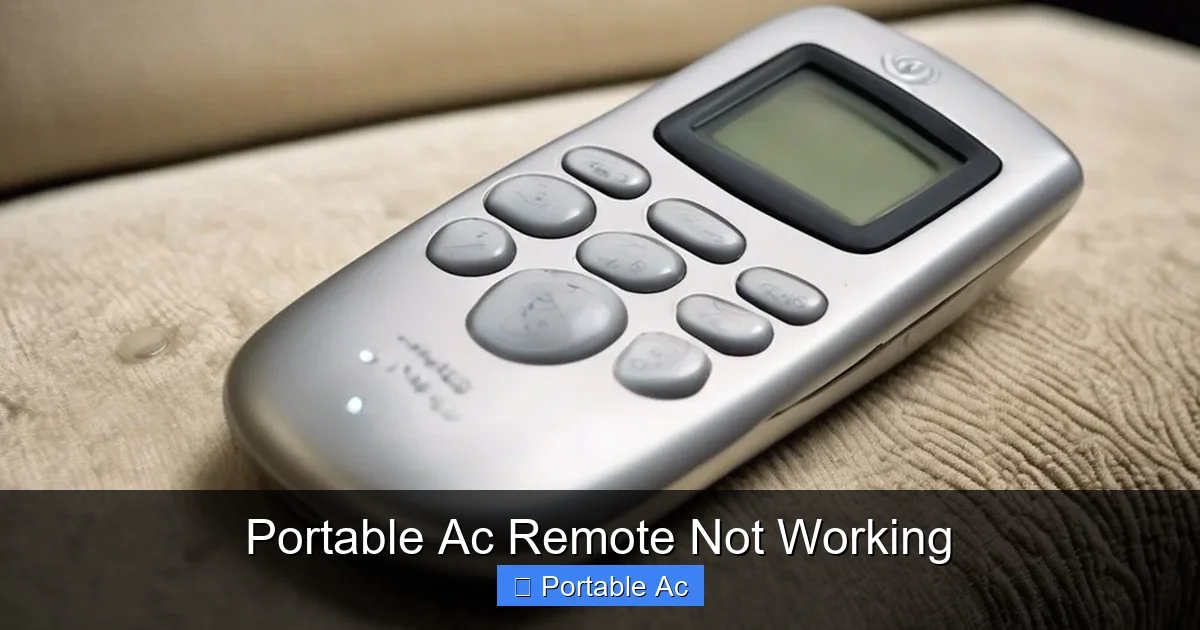
Visual guide about Portable Ac Remote Not Working
Image source: acservicecentres.in
When your portable AC remote stops responding, start with the simplest fixes first. This saves time and prevents unnecessary stress. Follow this logical sequence:
1. Replace the Batteries
Most remotes run on two AAA or AA batteries. Over time, they lose power—even if they look fine. Pop open the battery compartment and insert fresh batteries, paying attention to polarity (+ and – signs). While you’re there, wipe away any corrosion with a cotton swab dipped in vinegar. After reassembling, point the remote at the AC and press any button. You should see an LED blink, indicating it’s transmitting a signal.
If you don’t see a blinking light, try swapping the old batteries with known working ones from another device. Sometimes, batteries labeled “new” aren’t fully charged yet. Also, avoid rechargeable batteries unless specified in your manual—they can drain faster in low-drain devices like remotes.
2. Test Line-of-Sight Communication
Not all portable AC remotes work through walls or behind furniture. Most rely on direct infrared transmission. Stand directly in front of the unit (usually within 20 feet) and press a button firmly. Make sure no curtains, books, or other objects block the path between the remote and the sensor panel.
Some newer models support RF (radio frequency) technology, which works around obstacles better than IR. Check your user manual to confirm whether yours uses RF or IR. If it’s IR-based and you’ve ruled out batteries, moving closer or removing barriers might solve the issue instantly.
3. Clean the Receiver Window
The sensor on your portable AC unit can collect dust, hair, or debris over time. Even a thin layer of grime can block incoming signals. Use a soft microfiber cloth to gently wipe the small window near the control panel. Avoid harsh chemicals—just water or alcohol diluted with water works well.
For stubborn dirt, lightly dampen the cloth. Never spray liquid directly onto the unit. After cleaning, test the remote again. You’ll be surprised how much difference a clean surface makes!
4. Reset the Remote and Unit
Many portable AC systems store pairing information in memory, and sometimes this gets corrupted. Resetting both the remote and the unit can restore proper communication. Consult your manual for the exact reset procedure—it usually involves holding the power button for 10 seconds or pressing a tiny reset pinhole button with a paperclip.
After resetting, wait about 30 seconds before attempting to pair again. Some models automatically reconnect after a short delay; others require you to press “Sync” or “Pair” buttons simultaneously. Refer to our detailed article on Why Ac Remote Not Syncing With Smart Controller Fixes for model-specific instructions.
5. Check for Physical Damage
Inspect the remote for cracks, loose buttons, or warped casing. If the plastic feels brittle or buttons don’t spring back properly, internal wiring may be severed. Water damage leaves white residue or mold inside the casing—another sign of internal failure. In such cases, replacement is likely necessary.
If the remote survived a drop recently, internal solder joints might have cracked. Gently tap each button while pointing at the AC. If some respond intermittently, that confirms physical damage. Unfortunately, repairing these issues yourself isn’t recommended unless you’re experienced with electronics.
6. Try Manual Operation as Backup
While fixing the remote, you can still use your portable AC by accessing its physical controls. Most models have basic buttons on the top or side for power, mode, fan speed, and temperature. Though less convenient than wireless operation, this ensures you stay cool until the remote is restored.
Consider downloading the manufacturer’s mobile app if available. Many smart portable ACs support Bluetooth or Wi-Fi connectivity, letting you control settings via smartphone. This also helps verify whether the issue is truly with the remote or the AC’s receiver.
Advanced Solutions When Basic Fixes Fail
Visual guide about Portable Ac Remote Not Working
Image source: airnewsolutions.com
If none of the above steps work, it’s time to explore more technical options. These apply mainly when the remote itself seems functional but still doesn’t communicate with the unit.
Test the Remote with a Camera
Smartphones have cameras that can detect infrared light invisible to the human eye. Open your phone’s camera app and aim it at the remote’s LED window while pressing a button. If you see a flashing light, the remote is sending signals—but the AC isn’t receiving them. This points to a receiver problem.
If no light shows up on the camera, the remote’s transmitter is likely dead. Replacement becomes the only option. You can find compatible remotes online by searching your AC model number plus “remote control.”
Use a Universal Remote
A universal remote programmed for your AC brand can serve as a temporary or permanent substitute. These devices learn codes from existing remotes or come preloaded with hundreds of configurations. Follow the setup guide included with the universal remote, typically involving button combinations to enter programming mode.
Once set up, the universal remote often offers extra features like macro commands or voice control. Plus, it reduces clutter compared to keeping multiple original remotes. Just ensure compatibility with your specific portable AC model before purchasing.
Contact Manufacturer Support
If all else fails, reach out to the AC manufacturer’s customer service. Provide your model number, serial code, and a description of the issue. They may offer firmware updates, send a replacement remote, or advise on authorized repair centers.
Keep your purchase receipt handy—some warranties cover remote replacements even if the unit itself isn’t defective. Don’t hesitate to ask for step-by-step guidance; support teams deal with these issues daily.
Prevention Tips for Future Reliability
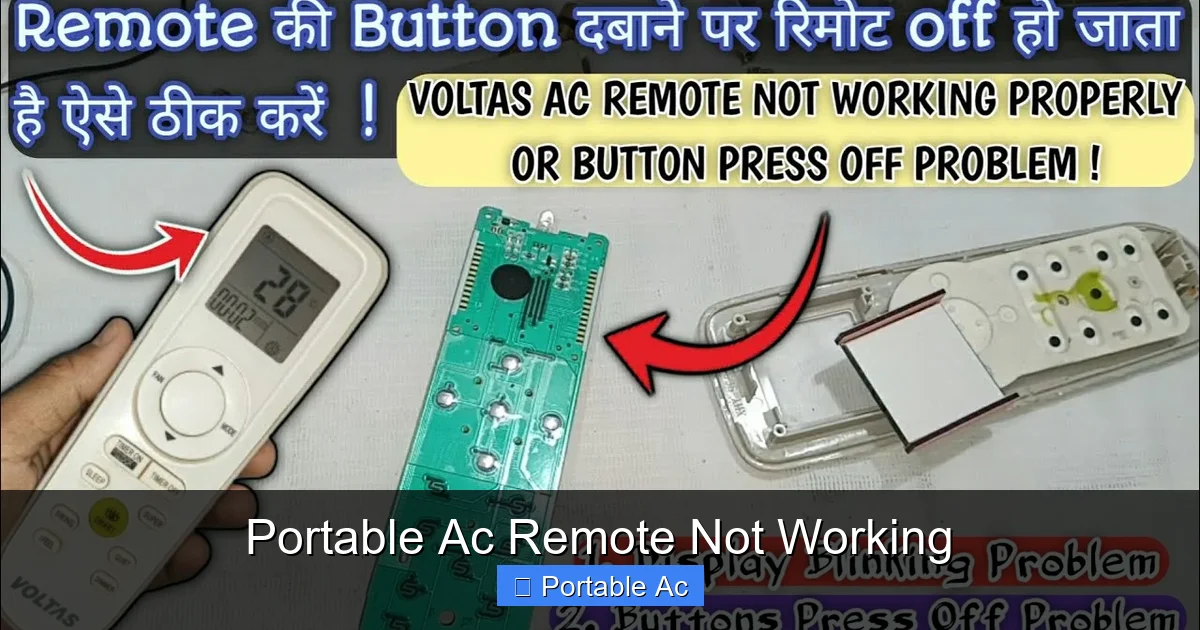
Visual guide about Portable Ac Remote Not Working
Image source: i.ytimg.com
Avoiding recurring remote problems starts with mindful usage habits. Here’s how to keep your portable AC remote working smoothly:
– **Store the remote safely:** Keep it in a designated spot away from heat, moisture, and direct sunlight. A protective case helps prevent drops and spills.
– **Replace batteries proactively:** Change them twice a year, even if the remote still works. Weak batteries cause erratic behavior and shorten lifespan.
– **Clean regularly:** Wipe the remote’s exterior monthly with a dry cloth. Avoid liquids near openings.
– **Handle with care:** Never toss or submerge the remote. Dropping it risks internal damage.
– **Update firmware:** Check the manufacturer’s website occasionally for software updates that improve remote performance.
By treating your remote like a valuable tool—not just a disposable accessory—you’ll extend its life and maintain reliable control over your cooling system.
When to Replace Your Portable AC Remote
Sometimes, despite best efforts, the remote simply reaches end-of-life. Signs it’s time to replace include:
– Persistent failure after battery changes and resets
– Visible physical damage
– No response even when tested with a camera
– Missing key functions like temperature adjustment or timer
Replacement remotes are affordable—often under $20—and widely available. Searching online using your exact model number ensures compatibility. Alternatively, visit appliance stores or contact the manufacturer directly. Some brands sell remotes bundled with accessories kits.
Remember: a working AC unit doesn’t need a broken remote. As long as you can operate it manually or via app, comfort remains intact. Only invest in a new remote when absolutely necessary.
Frequently Asked Questions
Why does my portable AC remote not work even with new batteries?
This often indicates a deeper issue like a faulty transmitter, blocked signal path, or damaged receiver. Try testing line-of-sight, cleaning the sensor, or using your phone camera to detect IR emissions.
Is it worth repairing a broken portable AC remote?
Only if the cost is less than a new one and the unit is otherwise functional. For budget-friendly replacements under $20, repair isn’t typically justified unless under warranty.
How do I know if my portable AC receiver is broken?
If the AC responds manually but ignores all remote commands after confirming battery and signal strength, the receiver likely needs servicing or replacement.
Can humidity damage a portable AC remote?
Yes—moisture can corrode circuits and cause mold growth inside the casing. Dry the remote thoroughly with a soft cloth and silica gel packs if exposed to damp conditions.
Should I buy an original or third-party remote?
Original remotes guarantee full compatibility and safety, but certified third-party options offer similar performance at lower prices. Always check reviews and return policies before buying.
What’s the average lifespan of a portable AC remote?
With proper care, most last 2–5 years. Frequent use, poor storage, or exposure to extreme conditions can shorten this significantly.
