
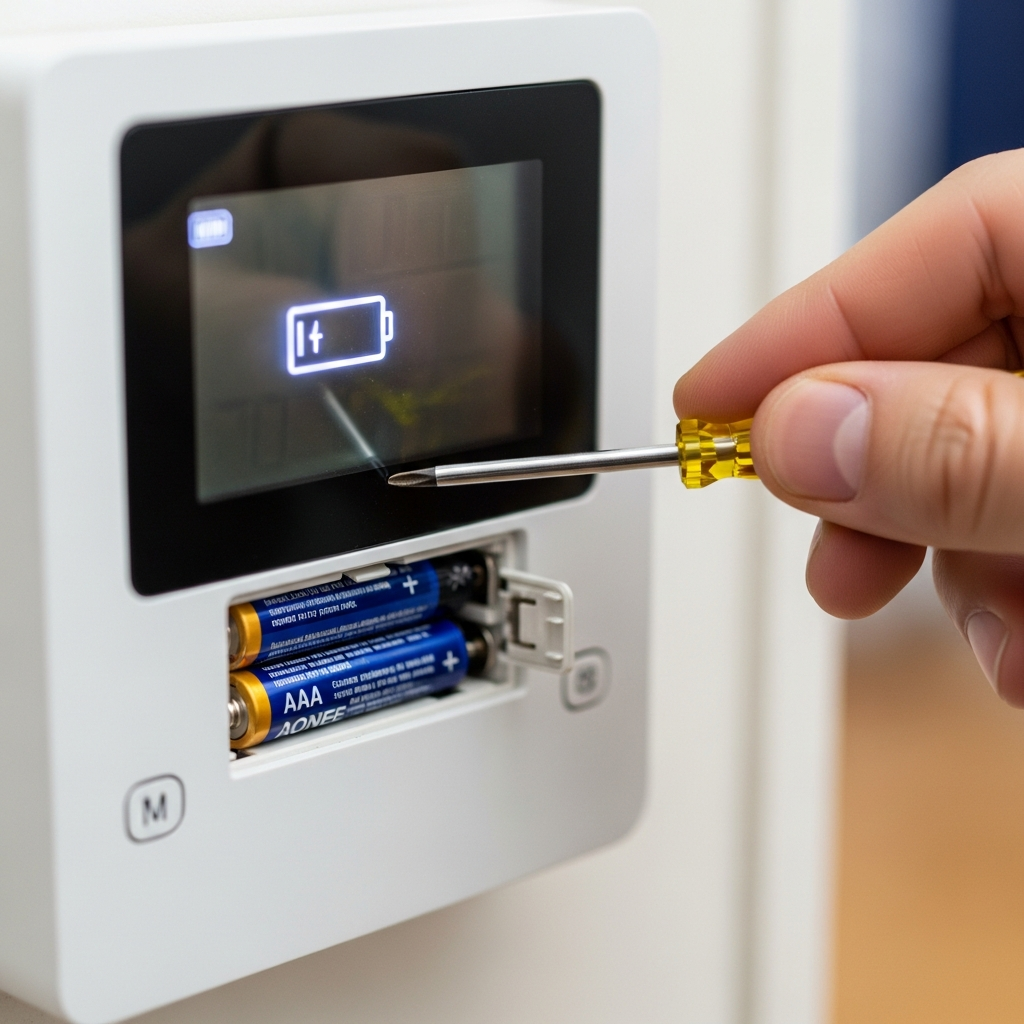
Don’t let a dead battery stop your cool! This guide shows you how to check and replace your AC thermostat battery in minutes. It’s a super easy fix that can save you money and keep your home comfy. Let’s get your AC back in action!
Is your air conditioner acting up? Maybe it’s not cooling like it used to, or perhaps the thermostat screen is blank. These little issues can be super frustrating, especially when it’s hot outside. But don’t worry, often the fix is really simple.
We’re here to make understanding your AC easy. No confusing tech talk, just plain, friendly advice. This guide will walk you through one of the most common and easy fixes: checking your thermostat battery.
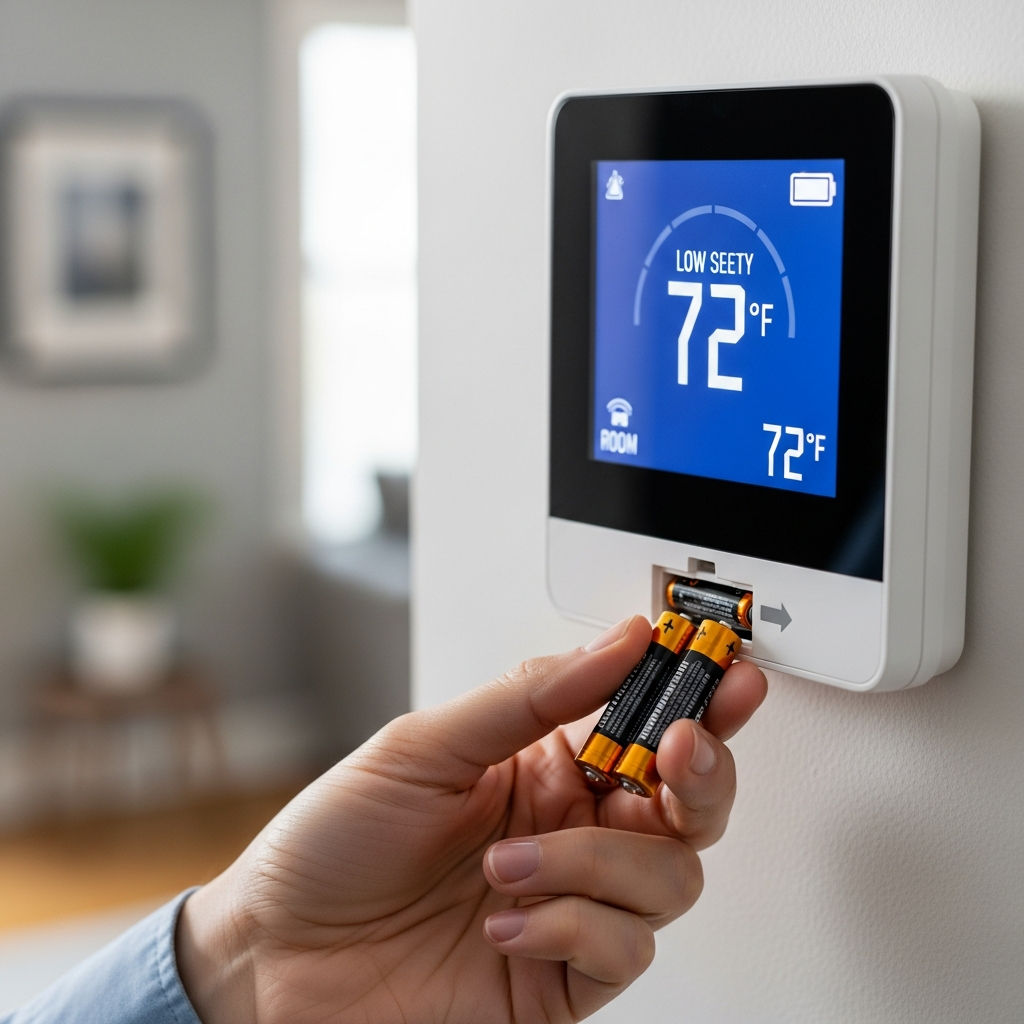
You’ll learn how to spot the signs of a low battery and how to swap it out yourself. It’s a quick task that can make a big difference in keeping your home cool and your energy bills low. Let’s dive in and get your comfort back!
Why Your Thermostat Needs a Battery
Think of your thermostat as the brain of your air conditioner. It tells the AC when to turn on and off to keep your home just right. Some thermostats use power from your home’s electrical system, but many use batteries.
These batteries give the thermostat the juice it needs to keep track of the temperature and send signals. When the battery gets weak, the thermostat might not work correctly, and that means your AC won’t either.
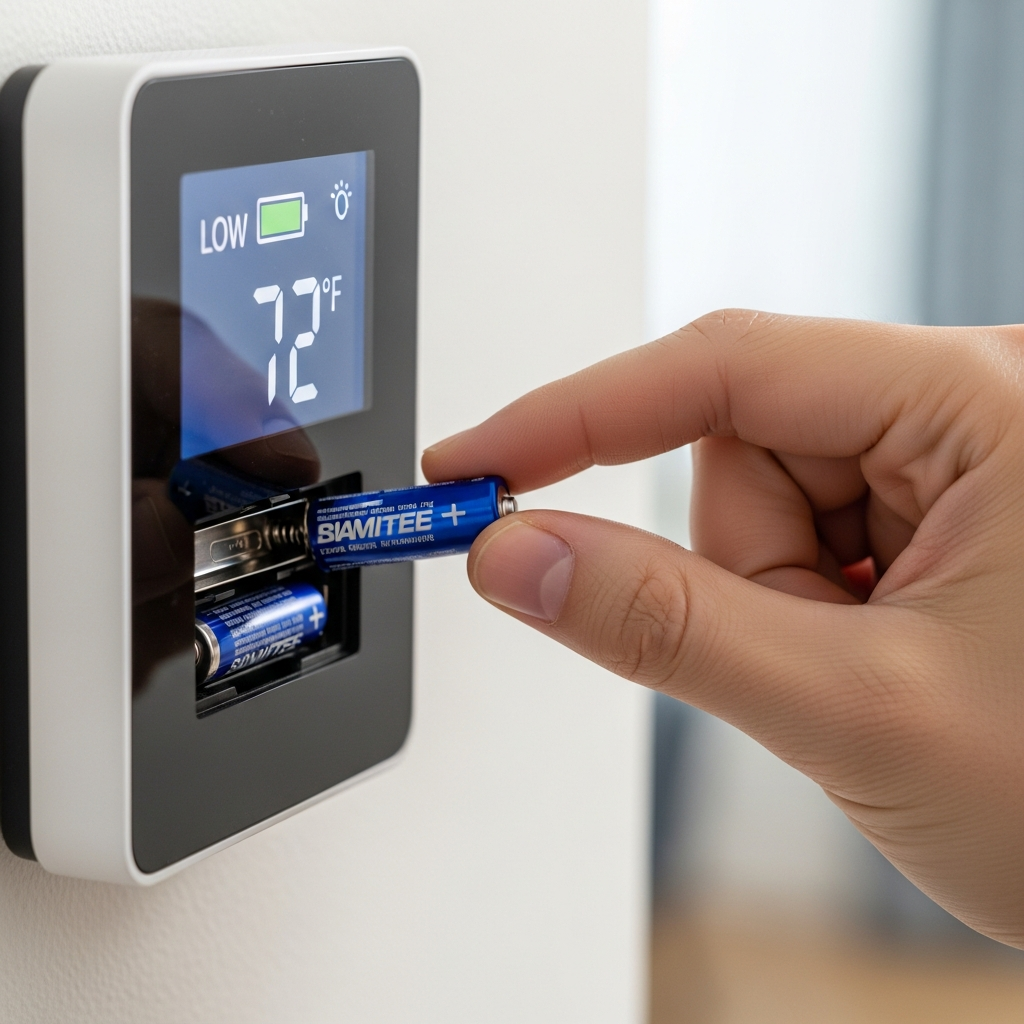
Signs Your AC Thermostat Battery is Low
Your thermostat usually gives you clues when its battery is running out of power. Keep an eye out for these common signs:
- Blank Screen: The most obvious sign is a thermostat screen that’s completely blank. No numbers, no settings, just dark.
- Flickering Display: If the numbers on the screen seem to jump around or flicker, the battery is probably weak.
- “Low Battery” Warning: Many modern thermostats have a special icon or message that pops up to tell you it’s time for new batteries.
- Inaccurate Temperature Readings: If your AC is running way too much or not enough, and the temperature seems off, a dying battery could be the culprit.
- System Not Responding: You might try to change the temperature, but nothing happens. The thermostat just doesn’t seem to “hear” you.
How to Check Your AC Thermostat Battery: Step-by-Step
Checking and replacing your thermostat battery is usually a breeze. You don’t need to be an AC expert for this!
Step 1: Gather Your Supplies
- A small screwdriver (often a Phillips head, but check your thermostat)
- New batteries (check your thermostat manual or the old batteries for the correct type, usually AA or AAA)
Step 2: Gently Remove the Thermostat Faceplate
Most thermostat covers just pull off or have a small clip. Some might need a screw removed from the bottom or side. Be gentle – you don’t want to force anything.
Step 3: Locate and Remove the Old Batteries
Once the cover is off, you’ll see the battery compartment. Note how the batteries are placed (which way the plus and minus ends are facing). Then, carefully remove the old ones.
Step 4: Insert New Batteries
Put in your new batteries, making sure they’re in the correct orientation. It’s usually clearly marked inside the battery slot.
Step 5: Reattach the Thermostat Faceplate
Snap or screw the cover back on. Make sure it’s secure.
Step 6: Check the Display
Your thermostat screen should light up with the correct time and temperature. You can now try setting your desired temperature to make sure it’s working.
What Kind of Batteries Do I Need?
The most common batteries for home thermostats are:
- AA Batteries: These are the standard cylindrical batteries.
- AAA Batteries: These are smaller than AA batteries.
Always check your thermostat’s manual or look at the old batteries for the exact type and number needed. Using the wrong kind can damage your thermostat.
When to Call a Professional
While changing a thermostat battery is simple, there are times when you might need an AC pro.
- Thermostat is Wired Directly: If your thermostat doesn’t have a battery compartment, it’s likely powered directly by your HVAC system. In this case, a battery isn’t the issue.
- Thermostat Still Not Working: If you change the batteries and the thermostat is still blank or not functioning, there might be a bigger problem with the thermostat itself or your AC system.
- Uncomfortable Doing It: If you’re not comfortable with any part of the process, it’s always best to call an HVAC technician.
For more advanced troubleshooting or if you suspect a larger issue, the U.S. Department of Energy has great resources on maintaining your HVAC system: Energy Saver – Air Conditioning.
Frequently Asked Questions About AC Thermostat Batteries
Q: How often should I change my thermostat batteries?
A: Most thermostats will warn you when the battery is low, but it’s a good idea to replace them every 1-2 years as a preventative measure, just to be safe.
Q: My thermostat screen is blank. Does that always mean the battery is dead?
A: Usually, yes! A blank screen is the biggest sign. But sometimes, a loose wire or a power issue with your AC system could also cause it.
Q: Can I use rechargeable batteries?
A: Some thermostats work fine with rechargeable batteries, but others don’t. Check your thermostat’s manual to be sure. Sometimes, the voltage from rechargeable batteries isn’t quite right for them.
Q: What happens if I put the batteries in backward?
A: Don’t worry, most thermostats have protection against this! They just won’t turn on. Just double-check the plus (+) and minus (-) signs and flip them around.
Q: My thermostat is connected to Wi-Fi. Do I still need batteries?
A: Many smart thermostats use batteries as a backup or to power their advanced features. Others are powered directly by your home’s wiring. Always check your model’s instructions!
Q: Will changing the battery reset my thermostat’s programming?
A: For most basic programmable thermostats, yes, it might reset your schedule. Smart thermostats often save your settings to the cloud, so they usually won’t lose your programming.
Keep Your Cool with Simple Maintenance
Taking care of your air conditioner doesn’t have to be complicated. Simple tasks like checking your thermostat battery can prevent bigger headaches and keep your home comfortable.
By following these easy steps, you’re already one step ahead in AC care. Stay on top of these small tasks, and you’ll save energy, money, and keep your cool all year long.
Happy cooling!
