
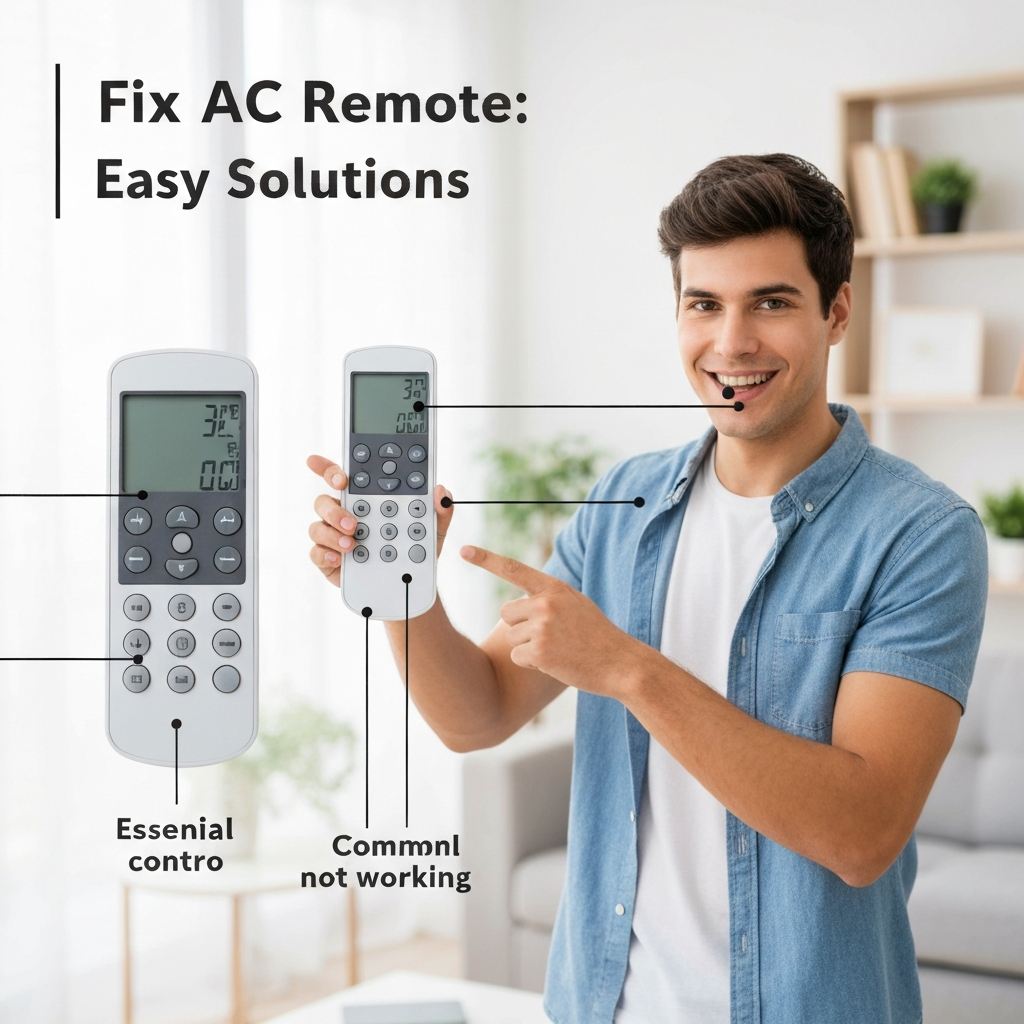
Don’t let a dead AC remote control leave you sweating! This guide will show you easy fixes to get your air conditioner responding again in no time.
Is your air conditioner acting up, leaving you feeling hot and bothered? Sometimes, the biggest problems come from the smallest parts, like your AC remote. It can be frustrating when your cool oasis is just a button press away, but the remote isn’t working.
Don’t worry, though! Many common remote issues are super simple to fix. You don’t need to be an AC expert to get your remote working again. We’ll walk through some easy steps to get your air conditioner back under your command.

Get ready to learn how to bring back the cool breeze with just a few simple tricks. Let’s dive in and get that remote control working like new!
Why Won’t My AC Remote Work? Common Culprits
Often, your AC remote stops working because of something really minor. It’s usually not a big deal at all. We’ll look at the most frequent reasons why your remote might be giving you the silent treatment.
Think of your remote like any other gadget. It needs power and a clear path to talk to your AC. When these things get interrupted, that’s when you run into trouble. We’ll cover these simple things first.
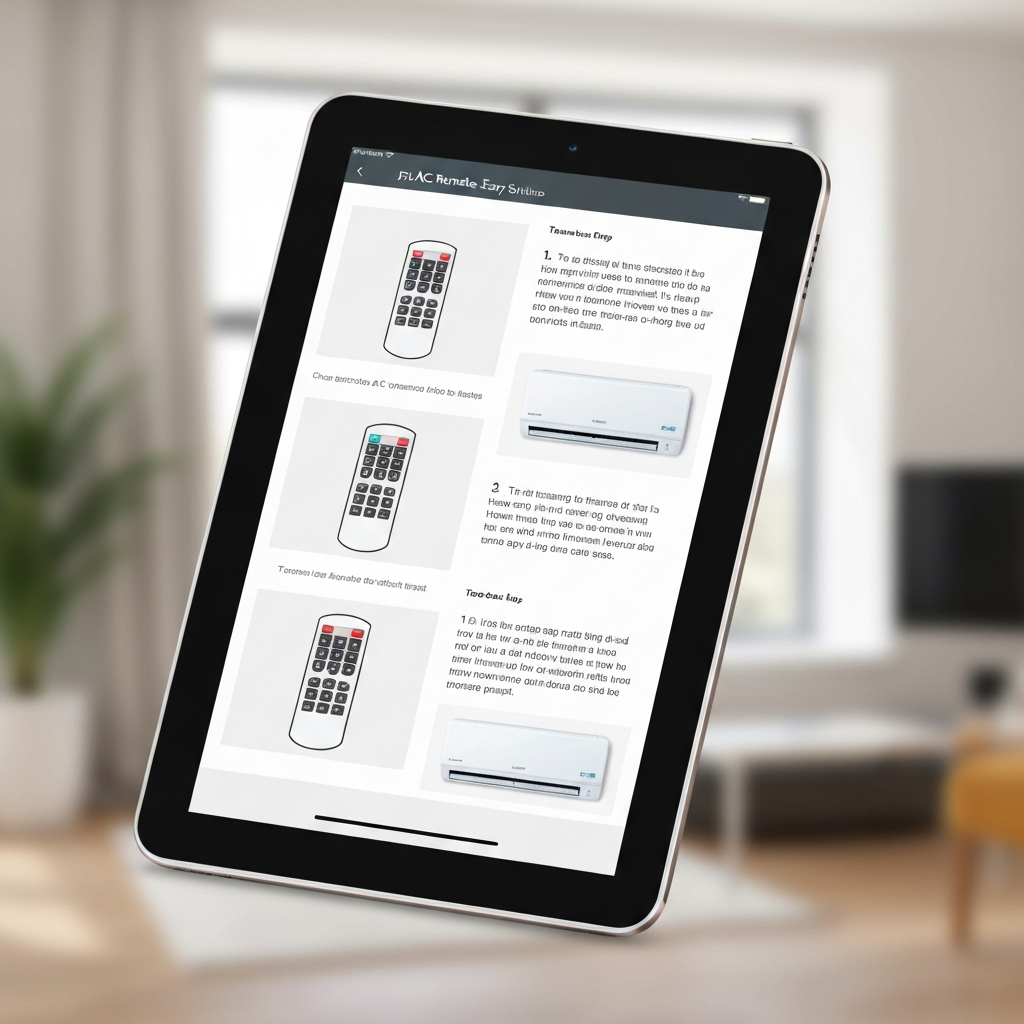
Check the Batteries: The First and Easiest Fix
This is the most common reason a remote stops working. Batteries can die unexpectedly, even if your remote hasn’t been used much. It’s always the first thing to check.
Make sure you’re using fresh batteries of the correct type. Sometimes, even new batteries can be faulty, so try a different brand if you have one. Clean the battery contacts inside the remote if they look dirty.
Is Something Blocking the Signal?
Your AC remote sends an invisible signal to your air conditioner. If something is in the way, the signal can’t reach the AC. This is like trying to talk to someone across a crowded room – they might not hear you.
Make sure there’s a clear line of sight between the remote and the AC’s sensor. Remove any furniture, plants, or decorations that might be blocking the path. Even a thin curtain can sometimes interfere.
Resetting Your AC Remote: A Simple Reboot
Just like your phone or computer, sometimes your remote just needs a quick reset. This can clear out any temporary glitches that might be stopping it from working.
The easiest way to reset most remotes is to remove the batteries for a minute or two. Then, put them back in. This forces the remote to restart its system.
Clean Your AC Remote: Dust and Grime Happen
Over time, dust and grime can build up on your remote, especially around the buttons. This can make the buttons sticky or prevent them from making proper contact.
Gently clean the remote with a dry, soft cloth. For stubborn dirt, you can use a slightly damp cloth with a tiny bit of mild soap, but make sure it’s not wet. Never spray liquid directly onto the remote.
Troubleshooting: What If the Remote Still Isn’t Working?
If you’ve tried the easy fixes and your remote is still a no-go, don’t panic! There are a few more things you can check. Sometimes, the issue might be with the AC unit itself.
Let’s go through some other possibilities to pinpoint the problem. We’ll keep it simple so you can get your cool air back.
Test the AC Unit Directly
Most air conditioners have basic controls directly on the unit. Try turning your AC on and off using these buttons. If the AC unit itself works, then the problem is definitely with the remote.
Check the AC’s Receiver
The AC unit has a part that receives the signal from the remote. This receiver can sometimes get blocked or have issues. Make sure the area around the AC’s display panel is clear.
Are You Using the Right Remote?
This might sound obvious, but sometimes people accidentally use a remote for a different appliance. Double-check that the remote you’re using is indeed for your air conditioner model.
Universal Remotes: Compatibility Checks
If you’re using a universal remote, ensure it’s programmed correctly for your AC model. Sometimes, the code can get lost or entered incorrectly. Refer to your universal remote’s manual for programming instructions.
When to Call a Professional
If you’ve tried all these steps and your remote still isn’t working, it might be time to get a little help. There could be a problem with the remote’s internal components or the AC unit’s receiver.
For complex issues, it’s best to contact the manufacturer or a qualified AC technician. They have the tools and expertise to diagnose and fix more serious problems. It’s better to be safe and get it fixed right.
Frequently Asked Questions About AC Remotes
Q1: My AC remote buttons are stuck. What should I do?
A1: Try gently cleaning around the buttons with a dry cloth. If they’re still sticky, a slightly damp cloth with a tiny bit of soap can help, but be careful not to let water get inside.
Q2: My remote fell and now it doesn’t work. What now?
A2: First, check the batteries. If they’re fine, the internal parts might be damaged. Try resetting it. If it’s still not working, you might need a new remote.
Q3: Can I use my phone as an AC remote?
A3: Some newer ACs have smartphone apps that let you control them. Check if your AC model supports this, or if you need a special adapter. You can also get universal Wi-Fi controllers.
Q4: How do I know if I need a new remote or a new AC?
A4: If the AC unit itself works fine when you use the buttons on the unit, but the remote won’t control it after trying these tips, it’s likely just the remote that needs replacing.
Q5: Where can I buy a replacement AC remote?
A5: You can usually find them on the manufacturer’s website, online retailers like Amazon, or at appliance parts stores. Make sure to get the exact model number.
Taking small steps to troubleshoot your AC remote can save you a lot of hassle and keep you comfortable. By checking the batteries, ensuring a clear signal, and trying a simple reset, you can often fix the problem yourself.
Remember, keeping your AC running smoothly is all about simple, consistent care. Stay cool and enjoy your comfortable home!
