
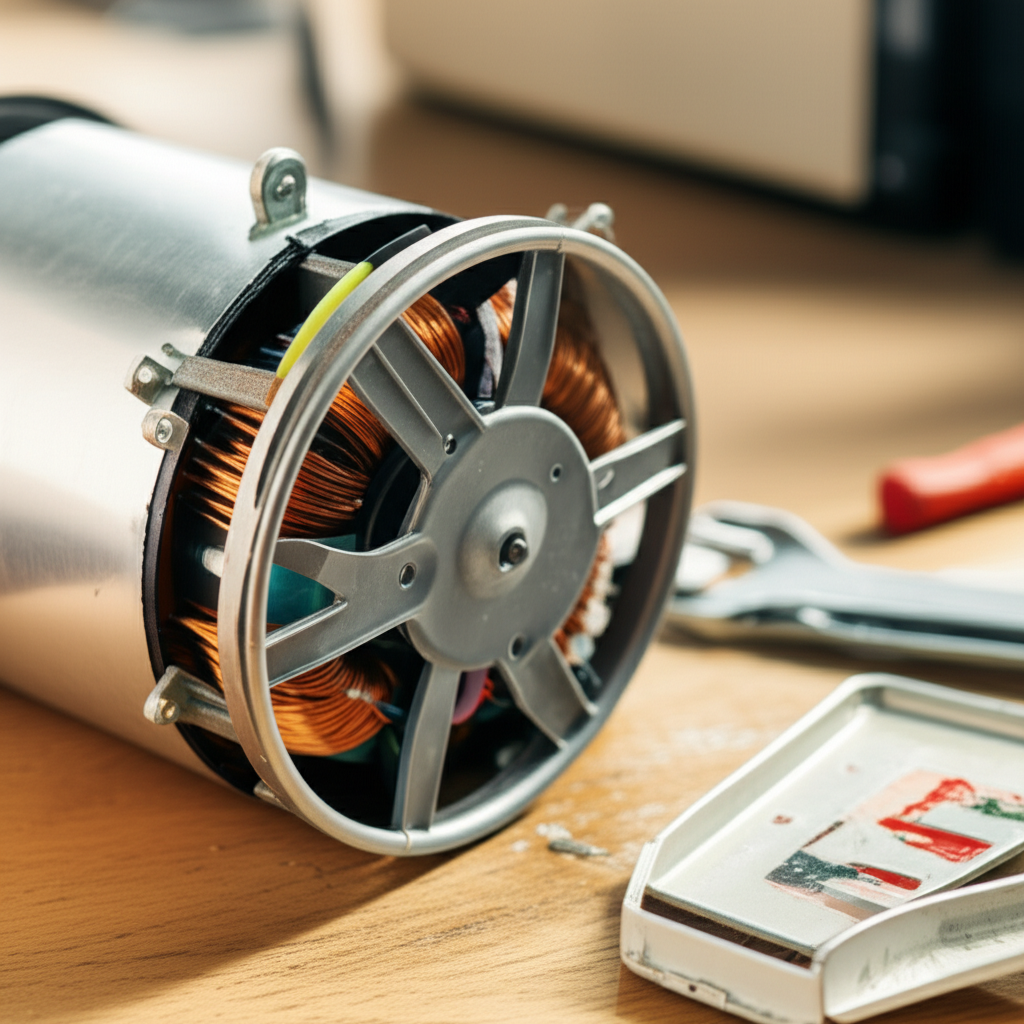
If your mini-split fan stops spinning, you usually need to test the capacitor or replace the entire fan motor assembly. This guide walks you through checking power, testing components, and safely swapping out a dead motor, step-by-step.
Is your mini-split blowing warm air, or is the indoor unit making a weird humming noise? That is frustrating, especially when it is hot outside. Sometimes, the problem is just a tiny part acting up. Many people think they need an expensive service call right away.
But wait! Before you panic about the electric bill, we are going to look right inside that noisy unit. I’m Jack from ACReviewHub.com, and I promise to break down this repair so even a total beginner can follow along. We will make learning about AC motors simple today.
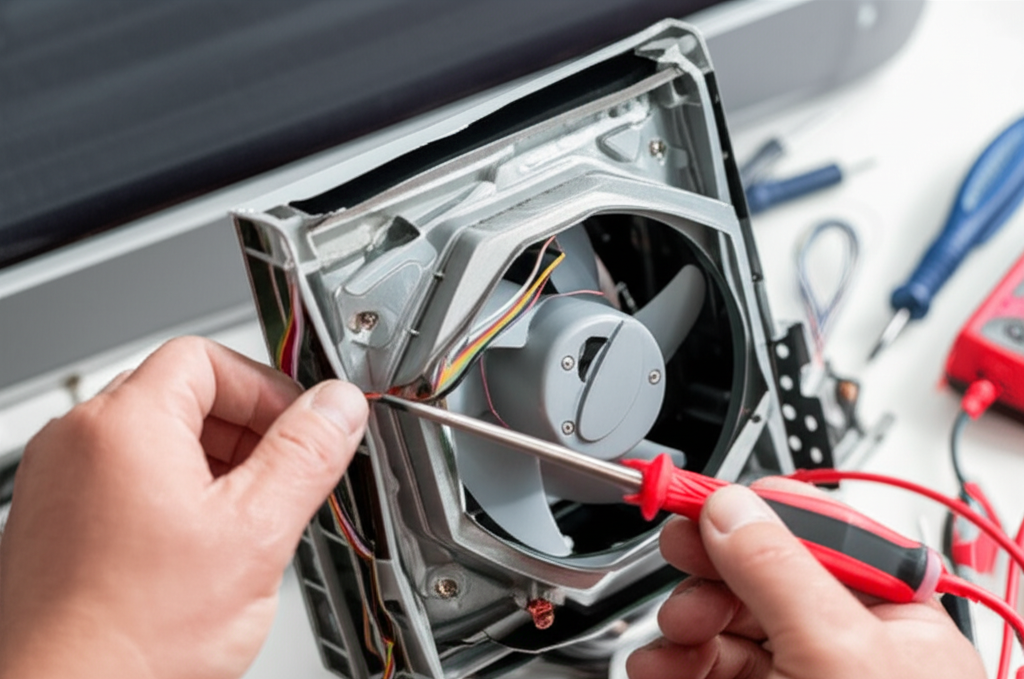
Why Is My Mini-Split Fan Motor Not Working?
The indoor fan motor is super important. It blows the cool air across the coils and into your room. When it stops, you stop feeling cool air.
There are three main reasons this motor gives up the ghost. It is usually not the motor itself that fails first. It is often a smaller, cheaper part. Don’t worry; we will check the easy stuff first.
Top 3 Reasons for Mini-Split Fan Failure
- Bad Capacitor: This part gives the motor the big push it needs to start spinning. If it fails, the motor hums but won’t turn.
- Motor Failure: After many years, the motor bearings can wear out, or the windings can burn out. This needs a replacement.
- Wiring or Control Board Issue: Sometimes, the power signal from the main control board never reaches the motor. This is the trickiest fix.
Safety First: Turning Off the Power
This is the most important step, folks. You are dealing with electricity, and we must be safe. Never touch any wires or components while the power is on. Never.
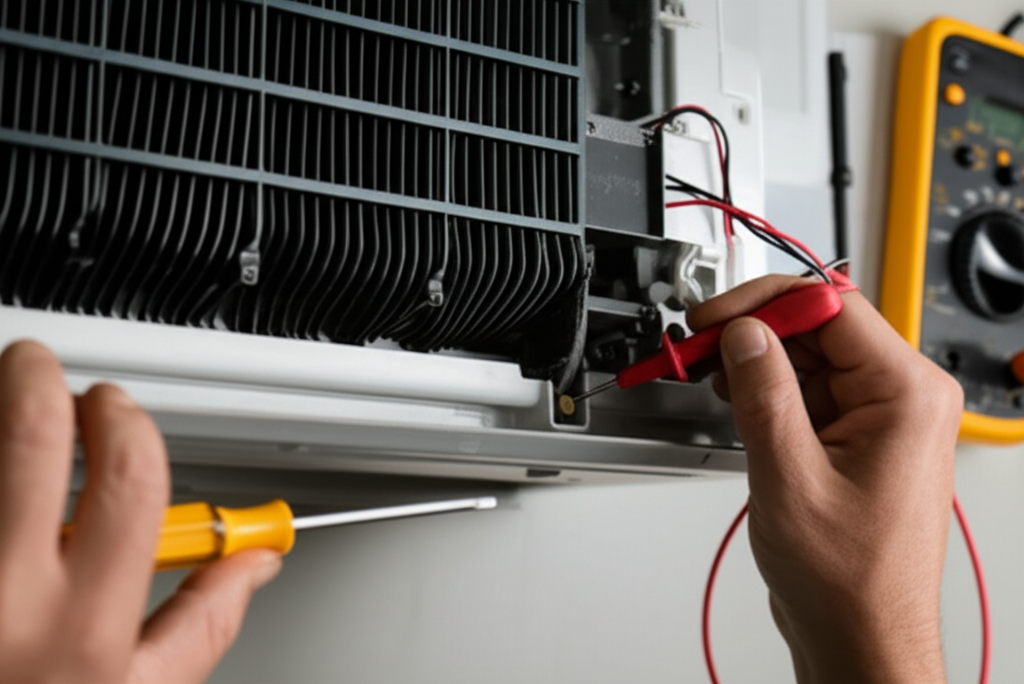
Always turn off the power at the breaker box. This is the main switch for your AC unit. Do not just use the remote control. Go to your house’s main electrical panel.
Simple Steps to Power Down Safely
- Locate your main breaker panel. It might be in the garage or a utility closet.
- Find the breaker labeled “Air Handler,” “Mini-Split,” or “HVAC.”
- Flip that switch firmly to the OFF position.
- Go back to the indoor unit and try turning it on with the remote. If nothing happens, you are safe to open it up.
Accessing the Indoor Fan Motor
The fan motor sits inside the main plastic housing of your indoor unit. You need to remove the front cover to get to it. This is usually simpler than you think.
Be gentle when removing the outer casing. These plastic clips can break easily if you force them. You might need a small screwdriver for a few hidden screws.
How to Open the Indoor Unit
- Remove the front panel. It usually lifts up and then pulls forward.
- Unclip or unscrew the side panels if needed to see the guts of the unit.
- Look for the blower wheel—that is the big squirrel-cage fan. The motor is usually attached right behind or underneath it.
- Take a picture with your phone! This helps you remember where the wires go when you put it back together.
Troubleshooting Step 1: The Capacitor Test
If you hear a humming noise but the fan won’t turn, the capacitor is the prime suspect. Capacitors store and release electrical energy to give the motor a strong start.
To test this, you absolutely need a multimeter that can measure capacitance (measured in microfarads, or µF). If you don’t have one, it might be easier to just replace the capacitor, as they are cheap.
Testing the Capacitor
| Component | What to Look For | Action |
|---|---|---|
| Capacitor | Bulging top, leaking fluid, or very low µF reading. | Replace if bad. Always match the old µF rating exactly. |
| Motor Wires | Burnt, melted, or loose connections. | Clean terminals or re-secure loose spade connectors. |
If the capacitor tests fine, or if you replace it and the motor still won’t spin, the motor itself is likely the problem. Time for a replacement!
Troubleshooting Step 2: Replacing the Fan Motor
Replacing the motor involves swapping out the old unit for a new one. Make sure you buy the correct replacement motor. Mini-split motors are often DC (Direct Current) motors, which are different from older AC motors.
You must match the voltage, horsepower, and shaft size. Check the label on your old motor for the exact model number.
Step-by-Step Motor Swap Procedure
- Disconnect Wires: Carefully label or photograph every wire connected to the old motor. Disconnect the spade connectors.
- Remove Mounting Screws: Unscrew the bolts or brackets holding the motor in place. Sometimes the motor is attached to the blower wheel assembly.
- Remove the Motor: Gently slide or lift the old motor out of the housing. It might be a tight squeeze.
- Install New Motor: Slide the new motor into position. Make sure it lines up perfectly with the blower wheel shaft.
- Secure It: Reinstall all mounting screws and brackets tightly.
- Reconnect Wiring: Refer to your photos and reconnect all wires exactly as they were. Double-check the ground wire.
If the motor uses a plug-in connector, make sure the new one clicks securely into place.
Testing After the Repair
Before you seal everything back up, let’s test your work. This saves you from having to take the cover off again!
Go back to the breaker box and turn the power back ON. Use the remote to set the fan to a low setting.
What to Watch For
- Does the fan start spinning smoothly without hesitation?
- Is the noise level normal, or is it louder than before?
- If you feel air coming out, congratulations—you fixed it!
If the fan spins but then stops after a few seconds, the issue might be the control board sending a faulty signal, which is a more advanced repair. For now, if it spins, we celebrate that win!
When to Call a Professional AC Technician
While fixing a fan motor is often DIY-friendly, sometimes it is best to call in an expert. Don’t feel bad about calling a pro; they handle the really tough stuff every day.
You should call a technician if you suspect a control board failure. These boards are expensive and complicated. Also, if you are uncomfortable working with electrical components, hire someone.
For more general maintenance tips that can prevent future motor issues, check out these best practices from the Department of Energy: Energy Saver Maintenance Tips.
Mini-Split Fan Troubleshooting Quick Guide
| Symptom | Likely Cause | DIY Fix? |
|---|---|---|
| Motor hums, doesn’t spin. | Bad capacitor. | Yes, usually easy. |
| Motor is silent, no air movement. | No power or bad motor/control board. | Check breaker first; otherwise, call tech. |
| Fan spins slowly or rattles. | Dirty blower wheel or failing motor bearings. | Clean wheel; replace motor if rattling persists. |
Frequently Asked Questions (FAQ) About Mini-Split Fans
Q1: How long should a mini-split fan motor last?
A good quality motor should last 10 to 15 years, sometimes even longer with good maintenance. They usually fail before the compressor does.
Q2: Can I just clean the fan instead of replacing the motor?
Absolutely! Dirt and dust build-up on the blower wheel can make the motor work too hard and seem broken. Always clean the wheel first!
Q3: How much does a replacement mini-split fan motor cost?
The motor itself usually costs between $75 and $200, depending on the brand and if it is a specialized DC motor. Labor from a tech will add significantly to that cost.
Q4: Do I need to buy an OEM motor, or can I use a universal one?
It is always best to use the exact OEM (Original Equipment Manufacturer) motor if you can find it. Universal motors can sometimes cause speed control issues later.
Q5: My fan works, but it smells dusty. What now?
That means your filters are dirty, or the evaporator coils need cleaning. Change your filters monthly to keep everything smelling fresh.
Q6: Is it safe to use my AC if the fan is weak?
It is not safe for the AC system. A weak fan means less air moves over the coils, causing the coils to get too cold and potentially freeze up. Turn it off until you fix the airflow issue.
Taking care of your mini-split doesn’t have to be scary or confusing. By following these simple checks—power off, check the capacitor, then test the motor—you can often solve the problem right there in your living room. Keep up with simple maintenance, and your AC will reward you with years of cool comfort.
You got this! Stay cool out there.
