
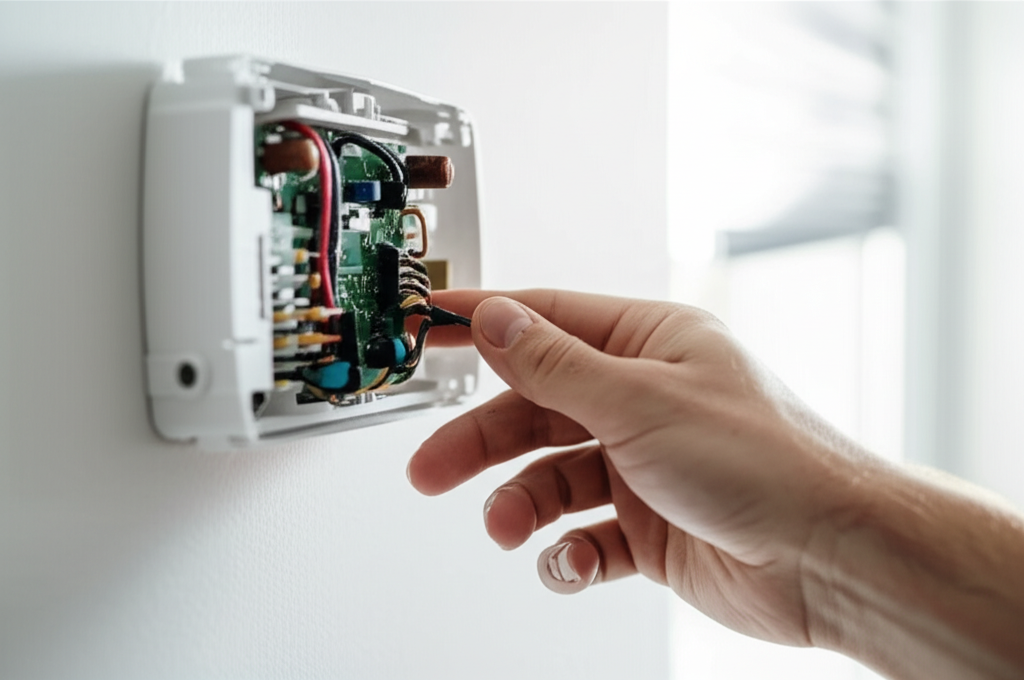
How To Fix AC Thermostat Sensor: Urgent Repair Guide
If your AC is blowing warm air or running constantly, the thermostat sensor might be the culprit. Often, fixing a faulty sensor just means cleaning it or checking the wiring, which you can easily do yourself to get your cool air back fast!
Is your home feeling too hot lately? Maybe your air conditioner is running non-stop but not cooling well. It is frustrating when your AC acts up. Many times, the problem is simpler than you think. It often lives right there on your wall—the thermostat.
Don’t worry about confusing technical terms. I am Jack from ACReviewHub.com, and I will walk you through fixing that sensor step-by-step. We will make this easy. By the end of this guide, you will know exactly how to check your sensor and get your cool air flowing again.
Why Your AC Thermostat Sensor Matters (The Simple Explanation)
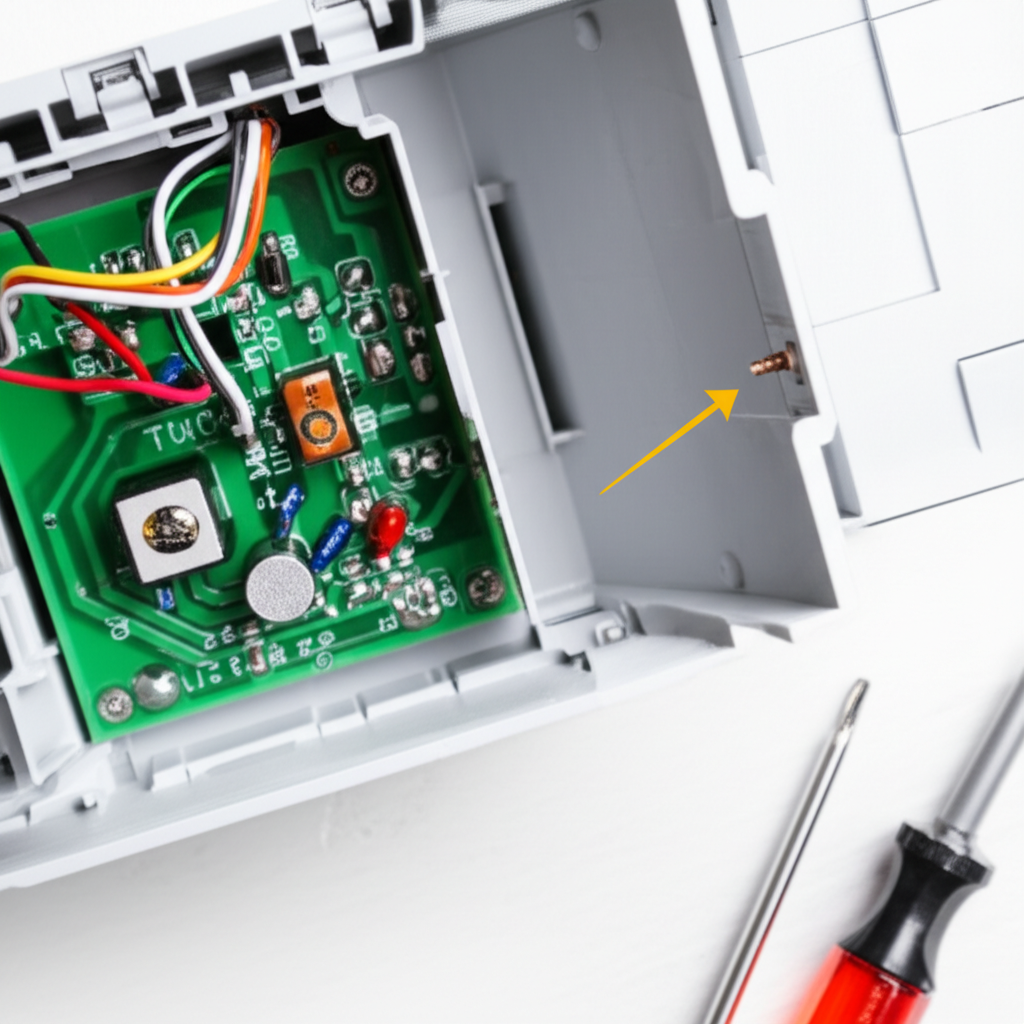
Think of your thermostat as the AC’s brain. It tells the system when to turn on and when to turn off. Inside this brain is a small part called the sensor. This sensor reads the air temperature in your room.
If the sensor is dirty, broken, or misplaced, it sends the wrong message to the AC unit. The unit thinks the room is hotter than it really is, or colder. This causes your AC to work too hard or not at all.
A broken sensor is an urgent issue because it wastes energy. You pay more money for less comfort. Let’s find out if your sensor is the problem.
Step 1: Spotting the Signs of a Bad Thermostat Sensor
Before you start taking things apart, we need to confirm the sensor is acting up. Look for these clear signs.
- The AC blows warm air even when set to cool.
- The temperature reading on the thermostat seems way off.
- The unit cycles on and off too quickly (short-cycling).
- The AC runs constantly but never reaches the set temperature.
These signs point strongly toward a control issue. The sensor is the first place an expert checks.
Step 2: Safety First! Turning Off the Power
This is the most important step for any home repair. We must cut the power before touching the thermostat wires. Electricity can be dangerous.
Go to your main electrical panel or breaker box. Find the breaker labeled for your furnace or air handler. Flip that switch to the “Off” position. Double-check by trying to turn your AC on at the unit itself—if nothing happens, the power is off. Safety is always number one!
Step 3: Checking for Common Thermostat Sensor Issues (Easy Fixes)
Most sensor problems are not about a broken part. They are usually about placement or dust. We will tackle the easiest fixes first.
Check for Airflow Obstructions
The sensor needs to read the true room temperature. If something blocks the air from reaching it, it will get a false reading.
Look around the thermostat on the wall. Are there any large pieces of furniture blocking the air? Are there vents blowing directly onto the thermostat? If so, move the furniture.
Cleaning the Sensor Gently
Dust is the enemy of electronics. Dust can cover the tiny internal sensor, making it slow or inaccurate.
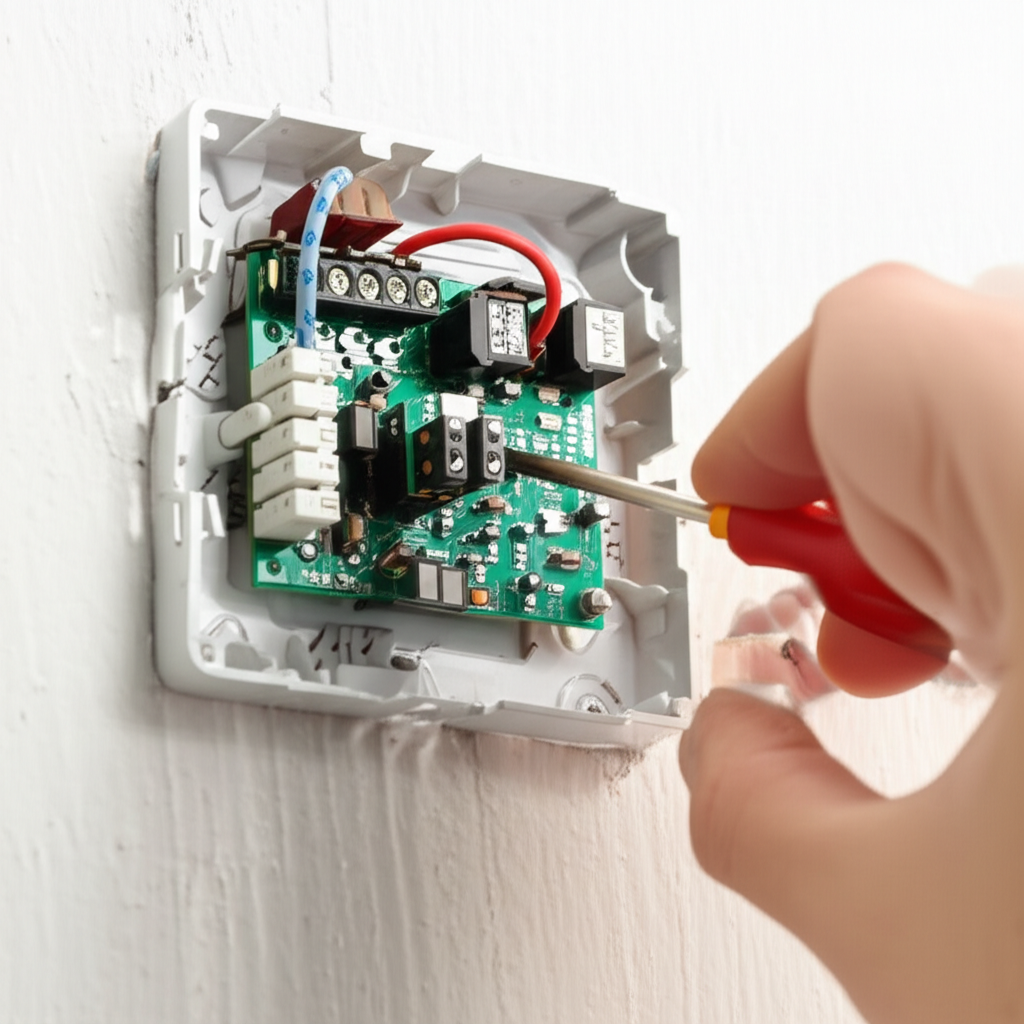
- Carefully remove the front cover of the thermostat. Most just snap off or have small screws.
- Use a can of compressed air (like the kind used for cleaning computer keyboards).
- Spray short, gentle bursts around the internal components. Do not use liquids or vacuum directly inside.
- If you see visible dust, use a very soft, dry paintbrush to sweep it away.
Checking for Sunlight and Heat Sources
If direct sunlight hits the thermostat during the day, it will read hotter than the room actually is. The AC will run non-stop trying to cool down that spot.
Also, check if the thermostat is near a heat source, like a lamp, a cable box, or a kitchen stove. These heat sources trick the sensor into thinking the room needs more cooling.
Step 4: Testing the Thermostat Wires (A Little More Advanced)
If cleaning did not work, the wiring might be loose. This is common if the thermostat was recently bumped or installed poorly.
With the power still off, look at the base plate where the wires connect. Each wire has a letter code (like R, Y, G, W).
Gently tug on each wire to ensure it is held tightly under its screw terminal. If a wire pulls out easily, push it back in firmly and secure the screw. Loose connections cause erratic behavior.
Step 5: When to Replace the Sensor or the Whole Unit
If you have cleaned everything and checked the wires, and the problem continues, the sensor inside the thermostat unit might have failed. For many modern digital thermostats, the sensor is not replaceable separately.
If your thermostat is very old (over 10 years), it is usually cheaper and easier to replace the entire thermostat. Modern smart thermostats are very accurate and energy efficient!
Quick Comparison: Repair vs. Replace
| Scenario | Best Action | Estimated Cost (DIY) |
|---|---|---|
| Dusty/Blocked Sensor | Clean and reposition | $0 (If you have canned air) |
| Loose Wiring | Tighten connections | $0 |
| Old, Inaccurate Unit | Replace Thermostat | $30 – $150 (for a new unit) |
| Internal Component Failure | Replace Thermostat | $30 – $150 |
How to Choose a New Thermostat for Better Accuracy
If you need a replacement, look for a thermostat that uses remote sensors or has better calibration features. This helps ensure the temperature you read is the temperature you feel across the house.
For more information on choosing energy-efficient controls, check out the great tips from the U.S. Department of Energy: Energy Saver Thermostat Guide.
Step 6: Turning Power Back On and Testing
Once you have secured the wires and snapped the cover back on, go back to your breaker box. Flip the AC switch back to the “On” position.
Set your thermostat a few degrees lower than the current room temperature. Listen carefully. The AC unit should kick on within a few minutes. Let it run for 15 minutes and check if the air coming out is cold.
Common Thermostat Troubleshooting Table
| Symptom | Most Likely Cause | Quick Fix Check |
|---|---|---|
| AC runs constantly, no cooling | Sensor reading too low or stuck on “Cool” | Check for direct sunlight hitting the unit. |
| AC cycles on/off rapidly | Thermostat too close to a supply vent | Move furniture or adjust nearby vents. |
| Thermostat is blank/off | No power to the system | Check the breaker box first. |
If the problem still won’t go away, remember that complex electrical issues are best left to a professional HVAC technician. You can find reliable local service providers through resources like the Air Conditioning Contractors of America (ACCA) directory.
Frequently Asked Questions About AC Sensors
Q1: Can I just remove the thermostat if it’s broken?
No! If you remove the thermostat, the AC system will usually not run at all because it needs that connection to operate safely.
Q2: How often should I clean my thermostat sensor?
A quick visual check every three months is great. If you live in a dusty area, clean it every six months when you change your main air filter.
Q3: My thermostat is only one degree off. Should I worry?
If it’s only one degree off consistently, it is usually fine. If it swings wildly, that needs fixing because it wastes energy.
Q4: Do smart thermostats have better sensors?
Yes, generally they do. They often use multiple sensors or remote sensors to average the temperature across a larger area, making them more accurate.
Q5: Is it safe to touch the wires inside the thermostat?
It is safe to touch the wires only after you have completely shut off the power at the breaker box. Always confirm the power is off.
Q6: What if my thermostat uses batteries and it still doesn’t work?
Replace the batteries! Even if the screen lights up, weak batteries can cause the control board to send weak or incorrect signals to the AC unit.
Keeping Your Cool System Running Smoothly
See? Fixing a thermostat sensor is often just a matter of dusting or tightening a connection. You took charge of a common AC problem today and saved a service call!
Remember to change your main air filter regularly—that keeps air flowing correctly to your thermostat, too. Small, simple steps keep your AC happy and your bills low.
Stay cool, and don’t hesitate to check in if you have other AC questions!
