
Don’t sweat it! Fixing your AC thermostat is often a simple DIY fix. This guide will walk you through easy steps to get your cool air flowing again without needing an expert.
Is your air conditioner acting up? Maybe it’s not cooling your home like it used to, or perhaps the temperature just feels “off.” It can be confusing when your AC doesn’t work right. You might worry about high energy bills or uncomfortable rooms.
But don’t let AC problems stress you out! Many common issues, especially with the thermostat, are super easy to fix yourself. You don’t need to be an expert to get your AC working smoothly again.
In this guide, I’ll show you simple, step-by-step ways to troubleshoot and fix your AC thermostat. We’ll cover everything from checking batteries to resetting your system, so you can get back to feeling cool and comfortable in no time.
Check the Thermostat Settings First
Before anything else, let’s just make sure the thermostat is set correctly. It sounds simple, but it’s the most common reason for AC problems.
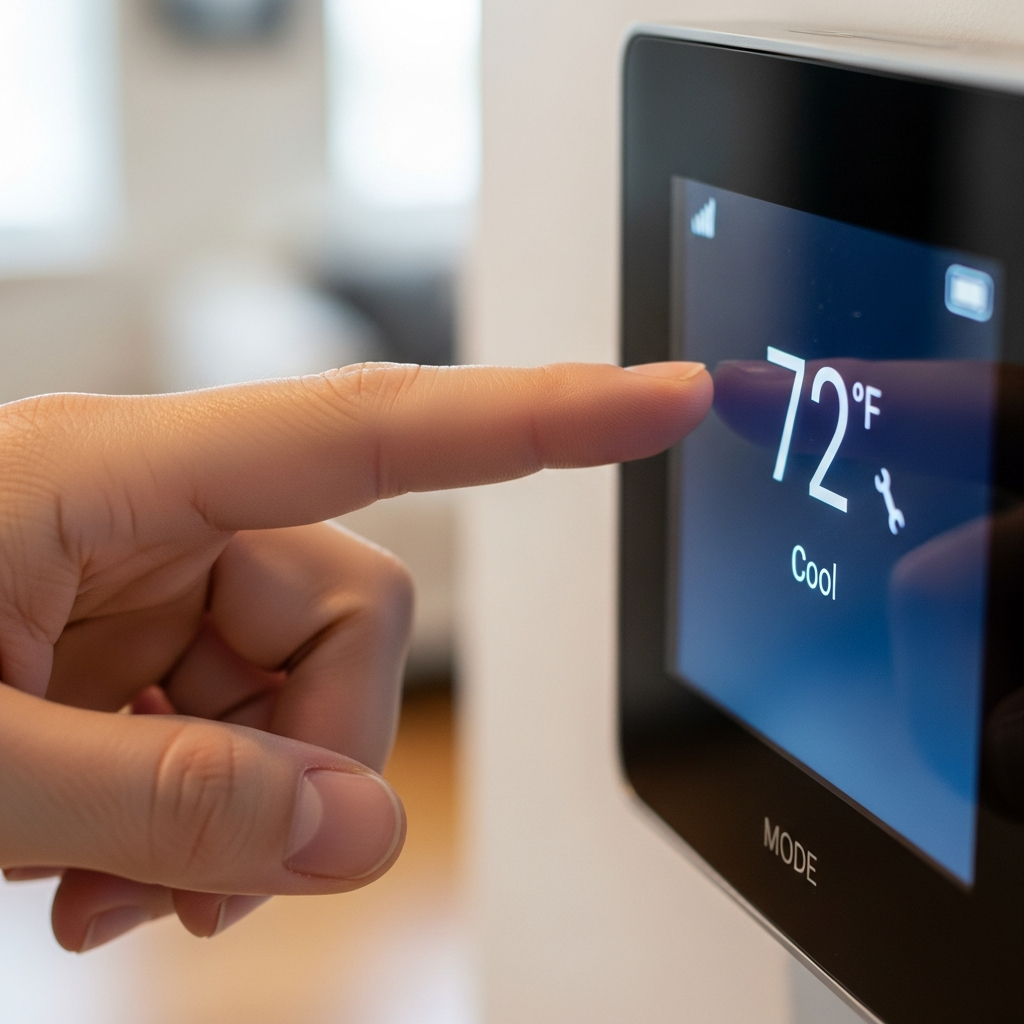
Is your thermostat set to “Cool”? Make sure it’s not accidentally on “Off” or “Heat.” Also, check that the temperature setting is lower than the current room temperature. If it’s set higher, the AC won’t turn on to cool.
Are the Thermostat Batteries Dead?
Many digital thermostats use batteries. If these run out, your thermostat might not work properly or at all. This is a very common and easy fix!
Look for a battery compartment on your thermostat. It’s usually on the side or front. Carefully open it and replace the old batteries with fresh ones. Make sure to use the correct type of batteries, usually AA or AAA.
Clean Your Thermostat
Dust and dirt can sometimes get inside the thermostat and interfere with its sensors. A little cleaning can go a long way.
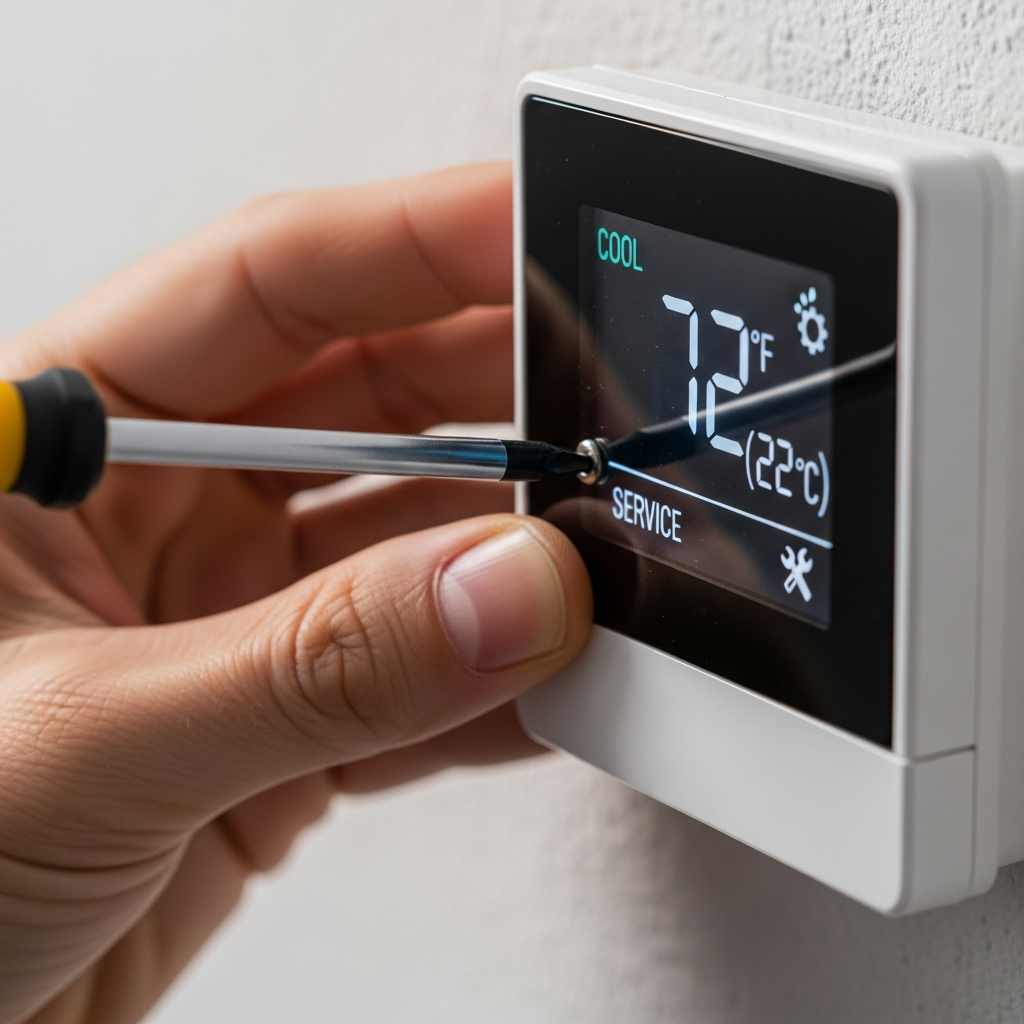
Gently open the thermostat cover if you can. Use a soft, dry cloth or a can of compressed air to blow away any dust. Be very careful not to touch any delicate internal parts.
Reset Your Thermostat
Sometimes, your thermostat just needs a quick reboot, like restarting your computer. This can clear out any temporary glitches.
The way to reset varies by thermostat type. For battery-powered ones, you can often just remove the batteries for a minute, then put them back in. For wired thermostats, you might need to turn off the power to your AC at the circuit breaker for a few minutes, then turn it back on.
Check your thermostat’s manual for specific reset instructions. If you don’t have it, a quick online search for your thermostat’s model number will likely bring up a digital copy.
Check for Loose Wires
If you’re comfortable doing so, a quick check of the wiring can help. Loose wires are a common culprit for malfunctioning thermostats.
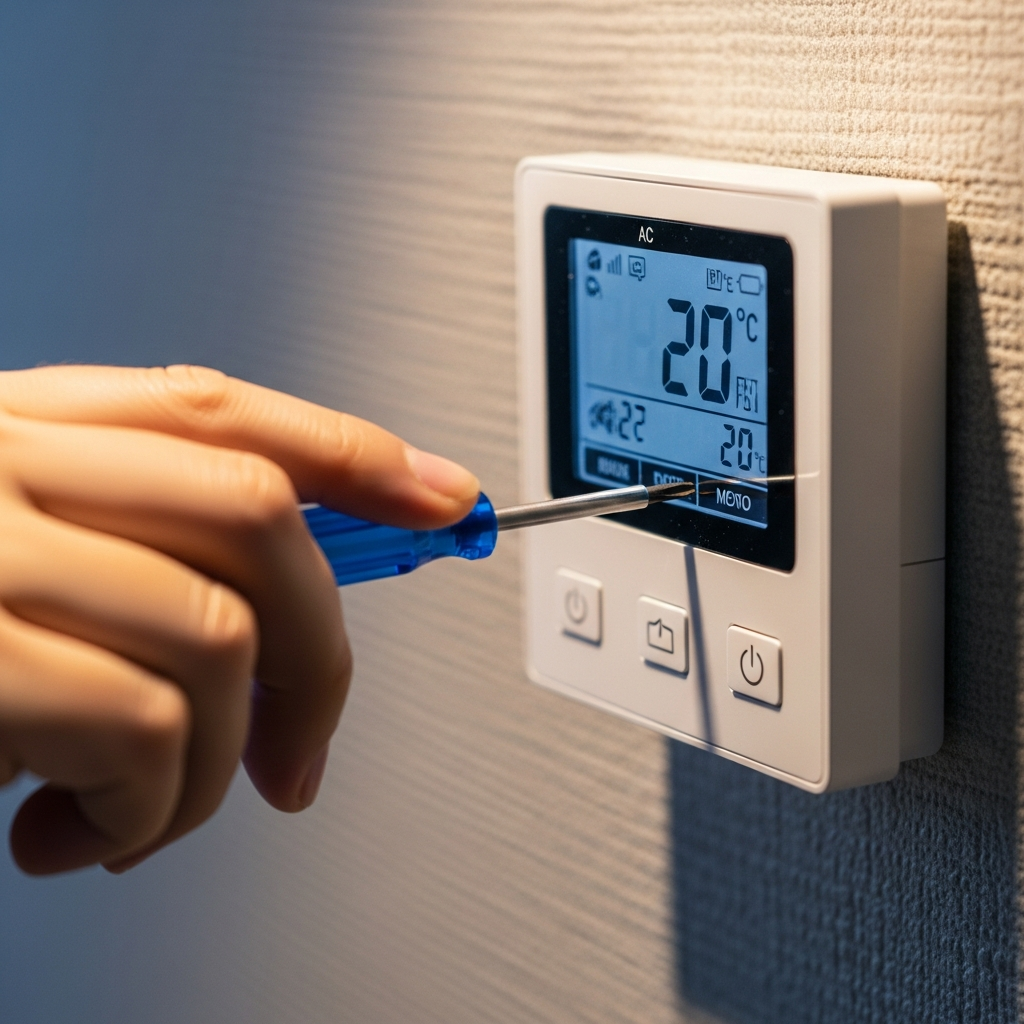
First, ALWAYS turn off the power to your AC at the circuit breaker. Then, carefully open the thermostat’s cover to see the wires. Make sure all wires are securely connected to their terminals. If you see a loose wire, gently push it back into place.
If you’re not sure about working with wires, it’s best to call a professional. Safety first!
Understand Different Thermostat Types
Knowing your thermostat type helps in troubleshooting. Here’s a simple breakdown:
| Thermostat Type | How it Works | Common Issues |
|---|---|---|
| Manual/Mechanical | Uses a bimetallic strip to sense temperature and a mercury switch or dial. | Inaccurate readings, slow response. |
| Programmable | Allows setting different temperatures for different times/days. | Programming errors, battery issues, screen not displaying. |
| Smart/Wi-Fi | Connects to Wi-Fi, controllable via app, learns your habits. | Connectivity problems, app glitches, software updates needed. |
When to Call a Professional
While many thermostat issues are DIY-friendly, some problems need an expert’s touch.
If you’ve tried these steps and your AC still isn’t working, or if you’re uncomfortable with any part of the process, it’s time to call a qualified HVAC technician. They have the tools and expertise to diagnose and fix more complex problems safely.
You might need a pro if you see error codes you don’t understand, if there are signs of electrical damage, or if the cooling system itself seems to be the issue, not just the thermostat.
Frequently Asked Questions About AC Thermostats
Q: My AC is blowing warm air, but the thermostat says it’s cold. What’s wrong?
A: This could be a thermostat setting issue, dead batteries, or a problem with the AC unit itself. Try checking the settings and batteries first!
Q: How often should I change my thermostat batteries?
A: It’s a good idea to change them once a year, or when your thermostat’s low battery indicator comes on. It’s an easy way to prevent problems.
Q: Can a dirty thermostat make my AC run all the time?
A: Yes, dirt can block sensors, making the thermostat think the room is warmer than it is, causing the AC to run more than it should. Try cleaning it gently.
Q: My smart thermostat isn’t connecting to Wi-Fi. What should I do?
A: First, check your home’s Wi-Fi connection. Then, try restarting your router and your thermostat. You might also need to re-enter your Wi-Fi password in the thermostat’s app.
Q: How do I know if I need a new thermostat?
A: If your thermostat is very old, frequently inaccurate, or doesn’t respond to touch or buttons, it might be time for an upgrade. Newer models can also help save energy.
Q: What’s the difference between a thermostat and a furnace?
A: The thermostat is the control panel that tells your heating and cooling system (like a furnace or AC) when to turn on and off. The furnace or AC is the equipment that actually heats or cools your home.
Conclusion
See? Fixing common AC thermostat issues is often much simpler than you might think. By following these easy steps, you can often get your system back in working order, save money, and stay comfortable.
Remember, a little regular attention to your thermostat can prevent bigger headaches later. Keep these simple tips in mind, and you’ll be well on your way to a cooler, more comfortable home all year round!
Stay cool!
