
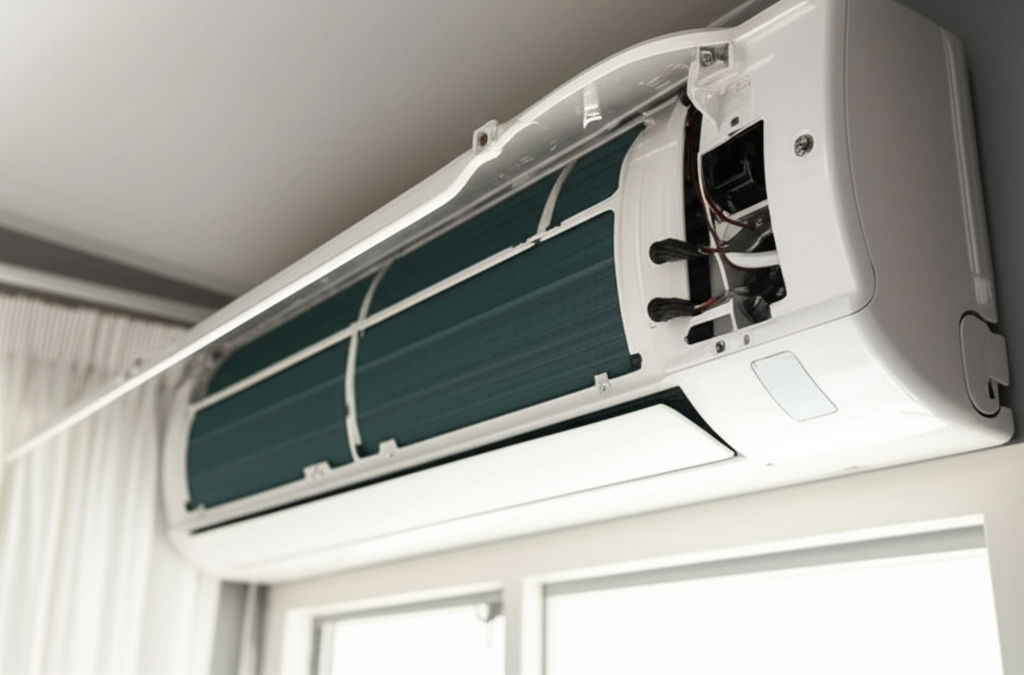
If your AC fan stops spinning, it’s usually a simple fix like a tripped breaker or a dirty capacitor. Always turn off the power first, then check the basics before calling a pro. We’ll walk you through the safe steps!
Is your air conditioner blowing warm air, or maybe just humming quietly? That is frustrating, especially when the sun is hot outside. Many people worry that a stopped fan means a huge repair bill. Do not panic just yet!
I am Jack from ACReviewHub.com, and I am here to help you figure this out. We make complex AC stuff easy to understand. You will learn the safe checks you can do right now. Let’s get your cool air flowing again without the stress.
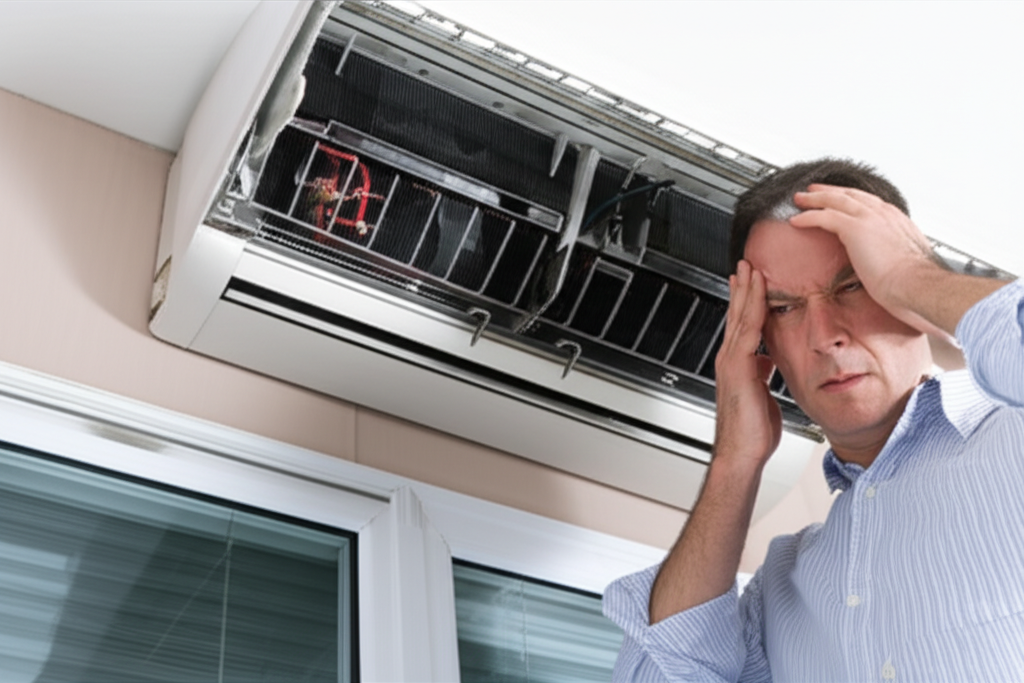
Why Your AC Fan Might Stop Running: The Basics
The AC system has two main fans. One is inside your house (the evaporator fan). The other is outside, sitting on top of the big unit (the condenser fan).
If the indoor fan stops, you feel no air from the vents. If the outdoor fan stops, the system cannot release heat, and it quickly gets too hot to run. Both problems need a quick look.
Most fan issues come down to three simple things: power problems, dirty parts, or a bad component. We start with the easiest checks first.
Step 1: Check the Power—The Quickest Fix
This sounds too simple, but it fixes many issues fast. Your AC needs good electricity to run its motors.
Safety First: Turn Off the Power
Before you touch anything near the unit, always turn the power OFF. You can use the thermostat to set the system to “OFF.” For extra safety, find the breaker box and flip the switch for the AC unit. This is very important!
Check the Thermostat Settings
Look closely at your thermostat. Is it set to “COOL”? Is the temperature set lower than the room temperature? Sometimes, someone accidentally sets it to “FAN ONLY” or “HEAT.” Make sure it is set correctly to start the cooling cycle.
Inspect the Circuit Breaker
Go to your main electrical panel. Look for a large breaker switch labeled for the AC or Furnace/Air Handler. If it is flipped to the “OFF” position, or if it is resting in the middle, it has tripped.
To reset a tripped breaker, push it firmly all the way to the “OFF” position first. Then, push it back firmly to the “ON” position. If it trips again right away, you have a bigger electrical problem, and you must call an electrician or HVAC tech.
Step 2: Inspect the Indoor Blower Fan (Air Handler)
The indoor fan moves the cold air through your vents. If this stops, the outdoor unit might still run but just sit there humming, unable to push the cold air.
Clean the Air Filter
A super clogged air filter can block airflow so much that the system shuts down the fan motor to protect itself. This is a common reason for a fan failure.
Here is how to check and change your filter:
- Locate the filter slot (usually near the furnace or air handler unit).
- Slide out the old filter. If it looks gray and dusty, it needs replacing.
- Install a new filter of the correct size. Check the edges for the size numbers.
- Turn the power back on and check if the fan starts blowing air.
Check the Drain Line
Your indoor unit creates condensation (water). If the drain line gets clogged with algae or dirt, the water backs up. Many modern units have a safety float switch that shuts the whole system down if water gets too high. This stops flooding.
If you see standing water near the indoor unit, clear that drain line. You can often use a wet/dry vacuum at the outside drain exit to suck out the clog.
Step 3: Troubleshooting the Outdoor Condenser Fan
The outdoor fan is what cools down the coils outside. If this fan is not spinning, the pressure builds up, and the AC will often shut off quickly to avoid damage.
Look for Obstructions
Sometimes, grass clippings, leaves, or even a stray plastic bag can get sucked into the fan cage. This can stop the blades from turning.
Remember: Power must be OFF at the breaker before checking the outdoor unit.
Carefully look through the metal grate. If you see debris tangled near the blades, gently remove it using long tweezers or needle-nose pliers. Be careful not to bend the delicate fins on the side of the unit.
Gently Test the Blades
With the power still off, gently try to spin the outdoor fan blades by hand. They should spin somewhat freely. If they are stuck solid, the motor bearings might be seized, or something is physically blocking them.
Step 4: The Capacitor—The Most Common Component Failure
If the power is on, the filter is clean, and the blades spin freely, the next most likely culprit is the capacitor. This part acts like a temporary battery to give the fan motor the big jolt of energy it needs to start spinning.
When the capacitor fails, you often hear a loud humming noise from the outdoor unit, but the fan blade won’t turn, or it spins very slowly and then stops. This is an urgent repair because the compressor motor can burn out if it tries to run without the fan cooling it down.
Warning: Capacitors store a dangerous electrical charge even when the power is off.
While replacing a capacitor is a common DIY repair, if you are uncomfortable working with live electrical components, this is the point where you should call a certified HVAC technician. They can test the capacitor safely and replace it quickly.
When to Call the AC Repair Professional
If you have checked the breaker, the thermostat, and cleared any debris, and the fan still refuses to run, it is time to call in the experts. Here are signs you need professional help immediately:
- The breaker trips immediately after resetting it.
- The fan motor is hot to the touch but won’t spin.
- You hear loud grinding or squealing noises from the motor.
- The fan spins weakly but never reaches full speed.
Knowing when to stop DIY is just as important as knowing how to start! Professionals have special tools to test voltage and motor windings.
AC Fan Troubleshooting Quick Reference
Use this simple chart to match your symptom to the most likely cause:
| Symptom | Most Likely Cause | Action Level |
|---|---|---|
| No power anywhere, no lights on thermostat | Tripped Circuit Breaker | Easy DIY Fix |
| Outdoor unit humming, fan blade stuck | Bad Capacitor or Obstruction | DIY (Obstruction) or Pro (Capacitor) |
| Indoor fan running, but no air from vents | Clogged Air Filter or Blower Wheel Issue | Easy DIY Fix |
| Outdoor fan spinning slowly, system cycles off | Failing Capacitor or Motor Overheating | Call a Pro |
For more detailed information on keeping your system balanced, you can check out helpful energy-saving tips from the Department of Energy: U.S. Department of Energy AC Tips.
Frequently Asked Questions (FAQ) About AC Fans
Q1: How long can I run my AC if the outside fan isn’t working?
Not long at all! If the outdoor fan is off, the compressor has no cooling, and it can overheat and break within 30 minutes to an hour. Turn it off immediately.
Q2: Do I need to lubricate the fan motor myself?
Most modern AC fan motors are permanently sealed and do not need oiling. If yours is an older unit and has an oil port, only add oil if you are sure it is the right type and the unit is off.
Q3: What is the difference between the blower motor and the condenser fan?
The blower motor is inside your house and pushes air through the ducts. The condenser fan is outside and cools the big coils to release heat.
Q4: If I replace the capacitor, does that fix everything?
It fixes the starting issue, but sometimes a capacitor fails because the motor is already struggling. If the new capacitor fails quickly, the motor itself is probably bad and needs replacement.
Q5: Is it safe to touch the fan blades when the power is on?
Absolutely not! Even if the fan is not running, always assume the power is live until you check the breaker box. Safety comes first, always.
Taking care of your air conditioner does not have to be a scary chore. By checking the simple things first—power, airflow, and debris—you can solve many frustrating fan problems yourself.
Stay consistent with these simple checks, and you will keep your energy bills low and your home cool all summer long. Happy cooling!
