
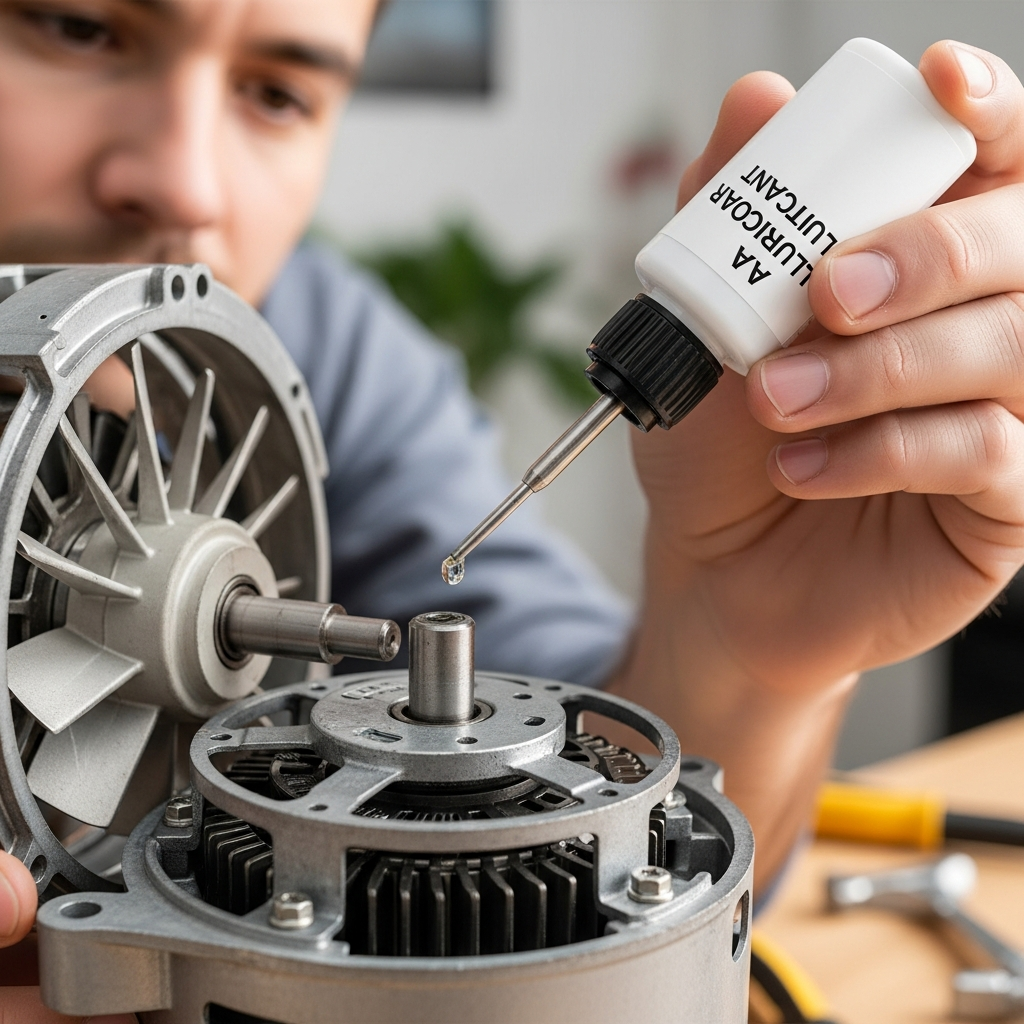
Summary: Keeping your AC fan motor happy with a little oil makes it run quieter, cooler, and last longer. It’s a simple fix that can save you money and headaches!
Is your air conditioner making funny noises? Does it seem like it’s working harder than it should? Sometimes, the fix is simpler than you think. We’ll walk through how to keep your AC’s fan motor running smoothly, like a well-oiled machine.
Don’t worry if you’re new to AC maintenance. We’re here to break down complex tasks into easy steps. You’ll feel confident tackling this yourself. Get ready to learn a simple trick that makes a big difference in your home comfort!
Why Lubricate Your AC Fan Motor?
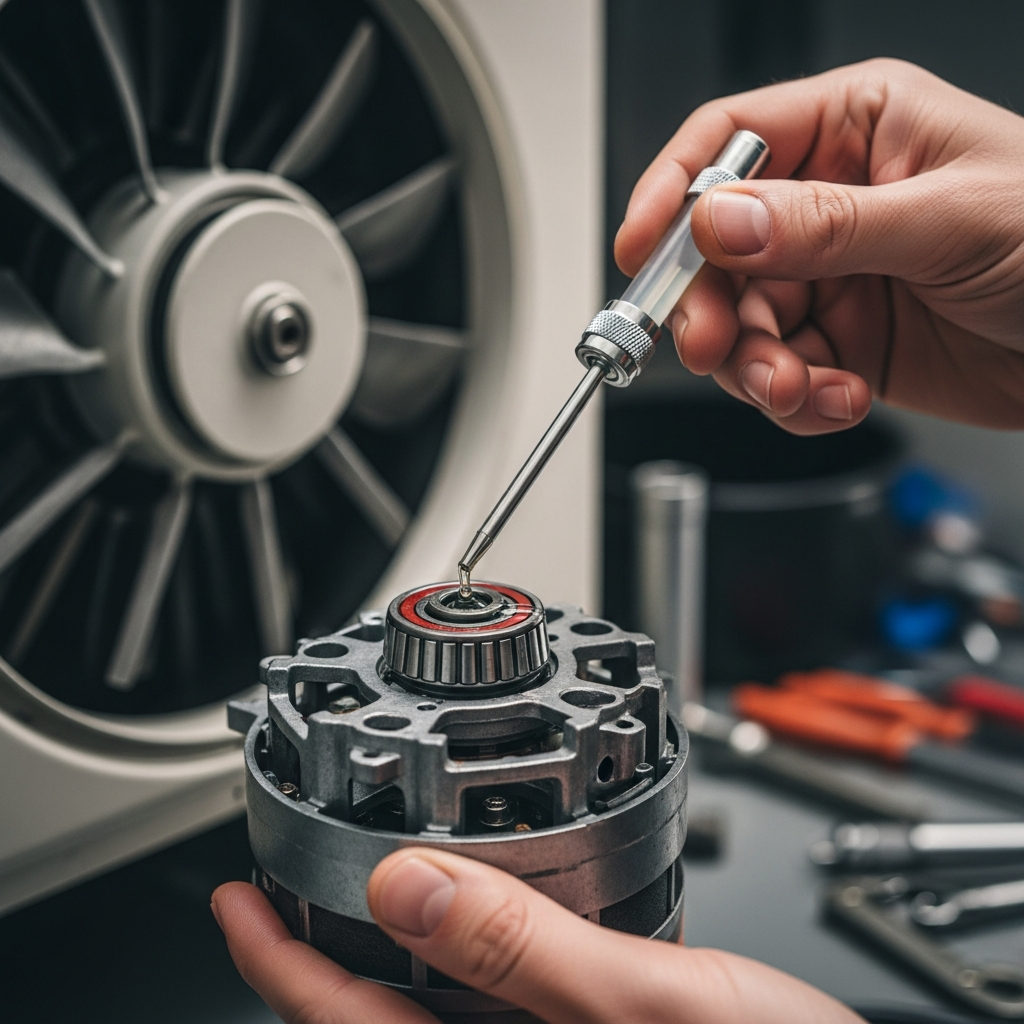
Think of your AC fan motor like the engine in your car. It needs a little bit of care to run its best. When the motor’s parts move, they create friction. This friction can cause noise, wear, and tear.
Adding a bit of the right kind of oil helps these moving parts glide smoothly. This reduces stress on the motor. It also helps keep things running quietly and efficiently.
When Should You Lubricate Your AC Fan Motor?
It’s a good idea to check your AC fan motor for lubrication at least once a year. The best time is usually in the spring, before the hot summer months when your AC will be working the hardest.
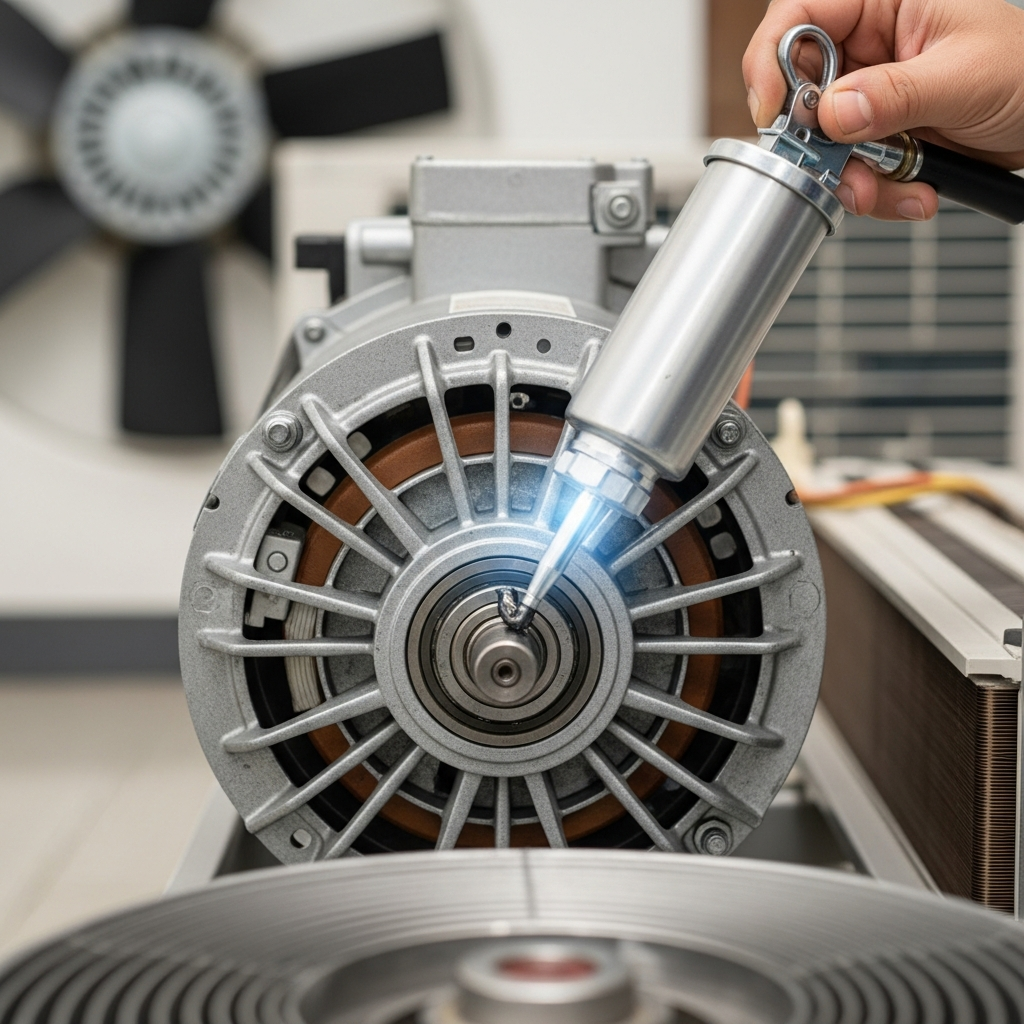
If you start hearing a squeaking or grinding noise coming from your outdoor unit, that’s a big sign it might be time for some oil. Don’t wait for it to get worse!
What You’ll Need
Gathering your tools beforehand makes the job much easier. You don’t need a whole toolbox for this simple task. Here’s what to have ready:
- Safety glasses
- Gloves
- A clean rag or paper towels
- The right kind of lubricant (check your AC manual!)
- A small wrench or screwdriver (if needed to access the motor)
Step-by-Step Guide: Lubricating Your AC Fan Motor
Let’s get this done! Remember to always prioritize safety. If anything feels unsafe or too complicated, it’s always best to call a professional.
1. Safety First: Turn Off Your AC
This is the most important step. You don’t want the fan to start spinning while you’re working on it. Go to your thermostat and set it to “Off.” Then, find the outdoor disconnect switch and turn it off too. This ensures no power can reach the unit.
2. Locate the Fan Motor
Open up the outdoor unit. You’ll typically find the fan motor at the top, directly under the fan blades. It’s usually a cylindrical part with wires connected to it. Your AC’s manual will have a diagram if you’re unsure.
3. Find the Oil Ports
Most fan motors have small oil ports. These are little holes where you add the lubricant. They might be on the top or sides of the motor. Sometimes, they have small caps that you need to remove.
If you can’t find any oil ports, your motor might be “permanently lubricated” or have sealed bearings. In this case, it doesn’t need oil. Check your manual to be sure!
4. Apply the Lubricant
Using your lubricant, carefully add a few drops into each oil port. Don’t overdo it! Too much oil can actually cause problems. A small amount is usually all that’s needed.
Use a lubricant specifically designed for electric motors or AC fan motors. Household oils like cooking oil aren’t suitable and can gum up the works.
5. Let it Sit
Give the oil a few minutes to seep into the motor’s bearings. This allows it to do its job effectively. Wipe away any drips with your rag.
6. Turn Power Back On and Test
Once the oil has had time to work, go back to the disconnect switch and turn the power back on. Then, set your thermostat to “Cool” to test the fan. You should notice it running more smoothly and quietly.
Troubleshooting Common AC Fan Noises
Sometimes, even after lubricating, a noise might persist. Here’s a quick look at common issues:
| Symptom | Possible Cause | What to Do |
|---|---|---|
| Squeaking/Grinding | Dry motor bearings (needs lubrication) | Lubricate motor (if it has ports). If not, call a pro. |
| Rattling | Loose fan blade or debris in the unit | Check fan blades for tightness. Clear any debris. |
| Humming | Electrical issue or motor struggling | Turn off power and call a technician. |
For more in-depth troubleshooting, the U.S. Department of Energy offers great resources on air conditioner efficiency and maintenance: Energy.gov – Air Conditioning.
Frequently Asked Questions (FAQs)
Q: How often should I oil my AC fan motor?
A: Usually once a year, in the spring, is plenty. Check your AC’s manual for specific recommendations.
Q: What kind of oil should I use?
A: Always use a lubricant specifically made for electric motors or AC fan motors. Your manual will tell you the exact type.
Q: My AC motor doesn’t have oil ports. What now?
A: Some newer motors are “permanently lubricated” or have sealed bearings and don’t need oil. Just keep them clean!
Q: Can I just use WD-40?
A: It’s best not to. WD-40 is a penetrant and water displacer, not a long-lasting lubricant for motors. It can actually dry out and cause more problems.
Q: Will lubricating my fan motor save me money?
A: Yes! A well-lubricated motor runs more efficiently, using less electricity. Plus, it helps your AC last longer, saving on repair and replacement costs.
Q: My AC is still making noise after I oiled it. What’s wrong?
A: The noise might be coming from somewhere else, like the compressor or a different part of the fan assembly. It’s time to call a qualified HVAC technician.
Keep Your Cool, Effortlessly
See? Taking care of your AC fan motor is a straightforward process. A little bit of attention can go a long way in keeping your air conditioner running smoothly, quietly, and efficiently.
By following these simple steps, you’re not just extending the life of your AC; you’re also saving energy and keeping your home comfortable. Keep up with these small maintenance tasks, and your AC will thank you for it!
