
Portable AC auto mode not working can leave you sweltering and frustrated. This guide walks you through common causes like dirty filters, faulty sensors, or remote issues—and gives you actionable steps to fix them yourself. With simple troubleshooting, you’ll get back to smart cooling in no time.
Have you ever pressed the “Auto” button on your portable AC, only to find the display still shows manual settings or the fan keeps running at a fixed speed? You’re not alone. Many homeowners and renters rely on portable AC auto mode for hands-free comfort—but when it stops working, it feels like your cooling system has gone dumb. The good news? In most cases, a few simple checks can bring that smart feature back online.
This guide dives deep into why your portable AC auto mode isn’t working and walks you through practical solutions. Whether it’s a clogged filter, a misbehaving sensor, or something as easy as a loose hose connection, we’ve got you covered. Let’s cool things down—literally and figuratively.
Key Takeaways
- Auto mode relies on internal sensors: If the temperature sensor is blocked or malfunctioning, the unit can’t detect room conditions and won’t activate auto mode.
- Dirty air filters disrupt airflow: Restricted airflow prevents the thermostat from reading accurate temperatures, tricking the system into skipping auto mode.
- Remote control issues may be mistaken for mode failure: A dead battery or signal interference can prevent mode selection—always check the remote first.
- Refrigerant or hose problems can disable smart features: Blocked exhaust hoses or low refrigerant levels force the unit into basic cooling only.
- Resetting the unit often resolves glitches: Unplugging for 30 seconds can clear temporary errors and restore full functionality.
- Firmware updates might be needed: Some newer models require software updates via app or manual download to enable advanced modes.
Quick Answers to Common Questions
Why does my portable AC keep turning off in auto mode?
It could be overheating due to blocked vents or a dirty filter. Clean the filter and ensure the exhaust hose isn’t kinked. Also, check if the unit is placed near heat sources like lamps or electronics.
Can a dirty filter cause auto mode to fail?
Yes. A clogged filter restricts airflow, making the internal sensor think the room isn’t cooling. This triggers safety protocols that disable smart modes until airflow improves.
How do I know if my remote is broken?
Point the remote at a phone camera and press buttons. If you see a faint light, the remote works. If not, replace the batteries. Also, test it with another compatible device if possible.
Does auto mode save energy?
Absolutely. Auto mode adjusts fan speed and cycles based on need, reducing runtime compared to constant manual operation. This cuts electricity bills and wear on components.
What should I do if auto mode works sometimes but not others?
This suggests intermittent sensor issues. Clean the intake area, ensure no obstructions near the sensor, and perform a full power cycle. If it persists, the sensor may need replacement.
📑 Table of Contents
What Is Portable AC Auto Mode?
Auto mode (also called “Smart Mode” or “Programmable Mode”) lets your portable AC automatically adjust fan speed, temperature, and operation based on real-time room conditions. Instead of manually setting a temp and watching the fan run nonstop, the unit senses when the room reaches your target and cycles on/off or ramps up/down quietly.
Think of it like having a personal climate assistant. It’s especially useful during long summer nights or when you’re napping and don’t want constant noise. But when this feature fails, you lose convenience and energy savings.
Common Causes Why Auto Mode Stops Working
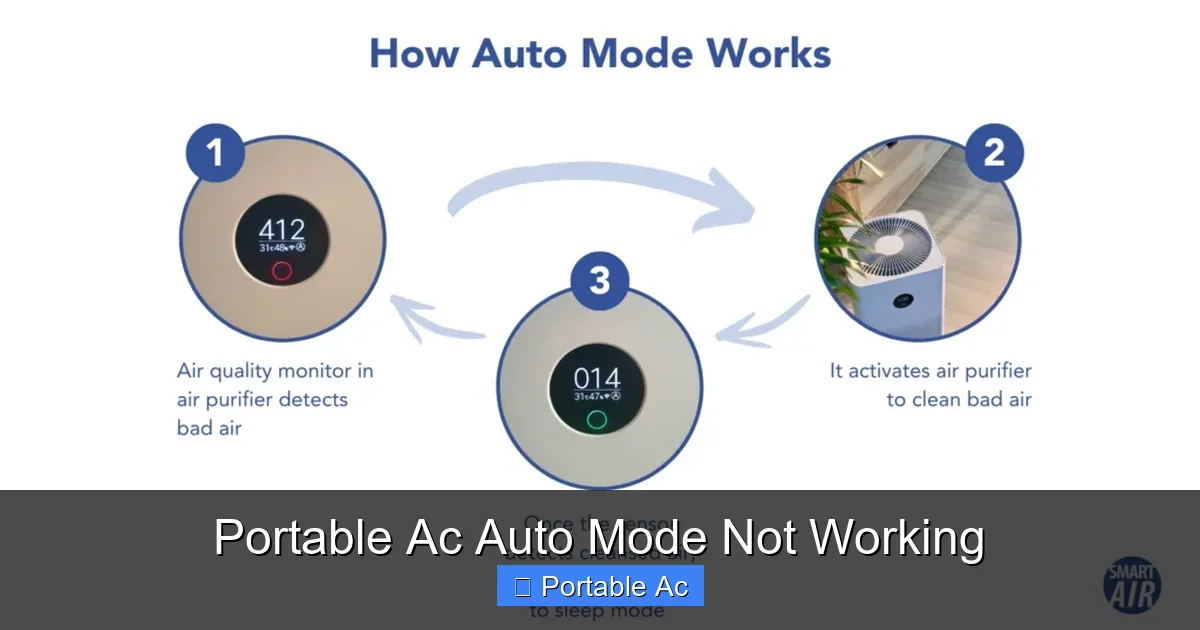
Visual guide about Portable Ac Auto Mode Not Working
Image source: airpurifierissues.com
1. Clogged or Dirty Air Filters
Over time, dust and debris build up on your portable AC’s filter. When it gets too dirty, airflow drops significantly. Since auto mode depends on accurate temperature readings from internal sensors, restricted airflow tricks the system into thinking the room isn’t cooling properly—so it skips auto mode altogether.
For example, if you’ve had your unit for six months without cleaning, the filter might look grayish instead of white. That’s a red flag. Try removing it, rinsing under lukewarm water, and letting it dry completely before reinserting.
2. Faulty or Obstructed Temperature Sensors
Your portable AC uses tiny infrared or thermal sensors to measure ambient temperature. If these get covered in dust, blocked by furniture, or damaged, they send false data. For instance, if the sensor near the intake grille is covered by a curtain, it reads hotter temps than reality and refuses to enter auto mode.
Some units even have user-replaceable sensors, but others require professional calibration. If cleaning doesn’t help, consult your manual.
3. Remote Control Malfunction
It sounds obvious, but many users assume their AC broke when the remote fails. Check if the remote works for other functions like power or fan speed. If not, replace the batteries. Also, ensure there’s nothing between the remote and the unit blocking the IR signal—even glass or plastic curtains can interfere.
Pro tip: Point the remote directly at the receiver window (usually a small black lens on the front panel). If it blinks but nothing happens, try resetting both devices.
4. Improper Hose Installation
Unlike window units, portable ACs expel hot air through an exhaust hose connected to a vent in your window or wall. If the hose is kinked, disconnected, or improperly sealed, the unit can’t regulate pressure correctly. This often triggers safety locks that disable advanced modes like auto.
Make sure the hose is fully inserted into both the unit and the vent kit. Use the included clamp to secure it tightly. A loose connection creates backpressure, confusing the thermostat.
5. Low Refrigerant Levels or System Errors
If your portable AC has been running for years without maintenance, refrigerant levels may drop due to micro-leaks. Low refrigerant means reduced cooling capacity, which prevents the system from reaching set temperatures reliably—hence skipping auto mode.
Also, electronic control boards sometimes throw error codes when internal circuits glitch. Look for blinking lights or unusual beeps. Resetting the unit usually clears minor errors.
6. Software Glitches or Firmware Issues
Modern portable ACs come with digital displays and programmable timers. Occasionally, a firmware bug can corrupt settings or disable certain modes. Manufacturers release updates to fix these quirks.
Check your user manual for update instructions. Some brands offer mobile apps where you can sync new firmware wirelessly.
Step-by-Step Troubleshooting Guide
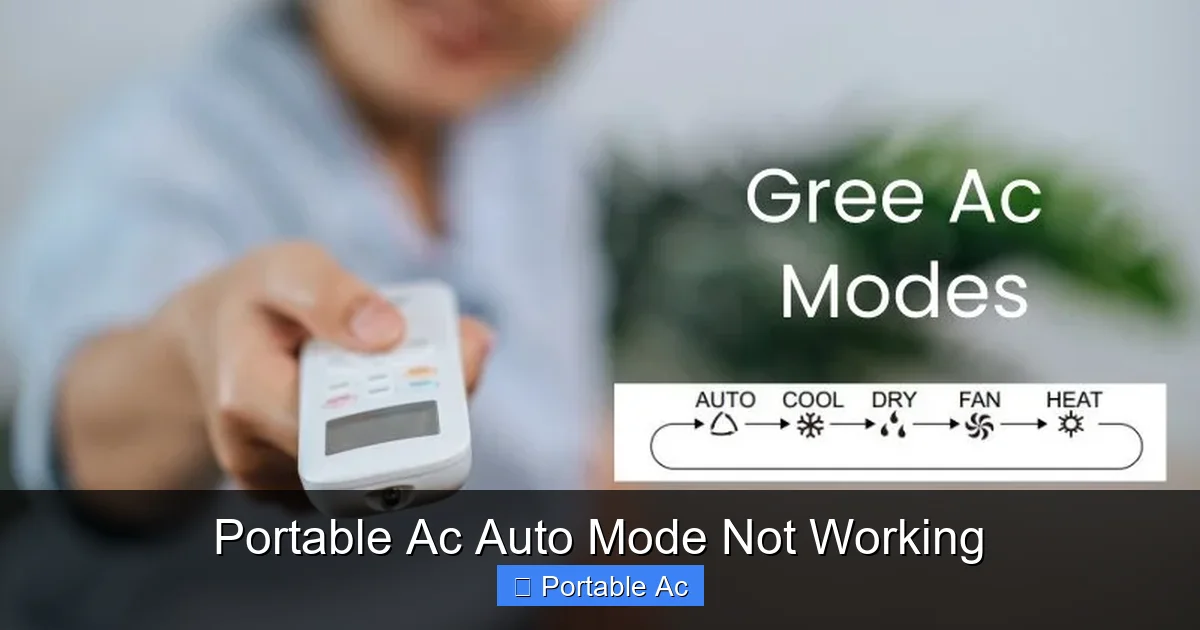
Visual guide about Portable Ac Auto Mode Not Working
Image source: acguide.pk
Step 1: Perform a Full Power Cycle
Turn off the unit, unplug it from the wall, wait 30 seconds, then plug it back in. This resets the internal microcontroller and often clears temporary faults. After restarting, test auto mode again.
Step 2: Inspect and Clean the Air Filter
Remove the filter (usually behind a front panel), rinse it gently under warm water, and let it air-dry for at least two hours. Never reinstall a damp filter—it spreads mold and reduces efficiency.
Step 3: Verify Hose Connections
Ensure the exhaust hose is securely attached to both the unit and the window vent. Tug it lightly—if it slips, tighten the hose clamp. Also, confirm the vent kit is installed correctly outside.
Step 4: Test the Remote Control
Replace the batteries with fresh ones. Press any button and watch for an LED light on the remote. If it glows, aim it at the AC and press “Mode” repeatedly until “Auto” appears on the display.
Step 5: Check for Error Codes
Many portable ACs flash error codes through LED patterns. Consult your manual to decode them. Common culprits include E1 (sensor fault) or E3 (compressor issue).
Step 6: Update Firmware (If Applicable)
Visit the manufacturer’s website or use their app to download the latest firmware. Follow the instructions carefully—incorrect flashing can brick the unit.
When to Call a Professional
Visual guide about Portable Ac Auto Mode Not Working
Image source: learnweldingsymbols.com
If none of the above steps work, you may have a deeper mechanical issue—like a failing compressor, damaged sensor, or refrigerant leak. These require certified HVAC technicians. Signs it’s time to call in the pros include:
– Continuous error codes after reset
– Strange noises (hissing, grinding)
– Water leaking despite proper drainage
– Unit powers on but won’t cool at all
Don’t ignore persistent issues—they can worsen over time.
Preventive Maintenance Tips
Keep your portable AC running smoothly with regular care:
– Clean or replace filters every 2–4 weeks during heavy use
– Vacuum around intake/exhaust vents monthly
– Schedule annual professional inspections if used year-round
– Store the unit properly in winter (empty the water tank, cover it)
Following these habits extends lifespan and preserves smart features like auto mode.
Choosing a Reliable Portable AC Model
Not all portable ACs handle auto mode equally well. Look for models with:
– Dual-hose systems for better airflow balance
– Wi-Fi connectivity and app controls
– Self-cleaning or washable filters
– Clear error code indicators
We recommend checking our roundups like Best Portable AC With Sleep Mode and Best Portable AC Under $400 Dollars for tested picks with strong auto-mode performance.
Frequently Asked Questions
Is it safe to run my portable AC without auto mode?
Yes, but it’s less efficient. Manual mode lets you control settings directly, though you’ll need to monitor temperature and adjust frequently to avoid discomfort or high energy use.
Can I manually override auto mode?
Most units allow switching between Cool, Fan, Dry, and Auto modes via the control panel or remote. Once switched to another mode, you can return to Auto anytime using the same method.
How often should I clean my portable AC filter?
At least once every two weeks during peak cooling season. In dusty environments or homes with pets, clean weekly. Always use lukewarm water and let the filter dry completely before reinstalling.
Will a firmware update fix my auto mode issue?
In some cases, yes. Manufacturers release updates to patch bugs affecting mode recognition or sensor calibration. Always back up settings before updating and follow official instructions.
Can cold weather affect auto mode performance?
Portable ACs are designed for cooling, not heating. In very low temps, the compressor may struggle to reach desired settings, causing auto mode to behave unpredictably. Use supplemental heating instead.
Why does my portable AC make loud noises in auto mode?
Loud operation in auto mode usually means the fan is maxing out because the room hasn’t cooled enough. Check for blocked vents, dirty filters, or incorrect hose setup. Also, ensure the unit isn’t vibrating against furniture.
