
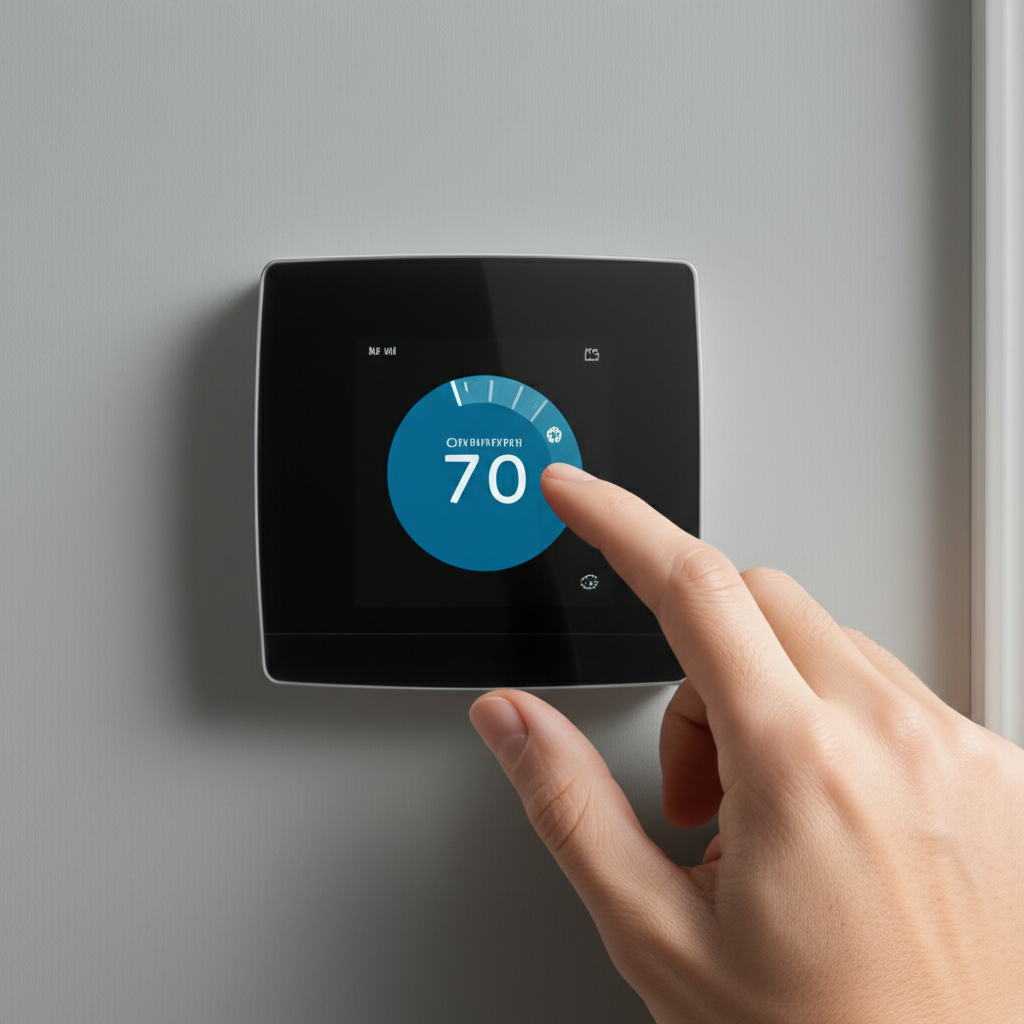
Calibrating your AC thermostat is simple: Set it to a comfortable temperature (like 75°F), let it run for a few hours, and compare the display to a separate thermometer. Adjust the thermostat by one degree at a time until it matches your comfort needs for perfect cooling and energy savings.
Calibrate AC Thermostat: Effortless Setup for Perfect Comfort
Are you turning your air conditioner up and down all day? Maybe your energy bill is higher than you expect. Sometimes, your AC seems to run forever but never feels quite right. This often happens because the thermostat isn’t telling the AC the right temperature. Don’t worry; fixing this is easier than you think. If you’re looking for flexible cooling solutions beyond a central AC, you might want to explore the best portable ACs for your home.
I’m Jack from ACReviewHub.com. I help folks like you understand their cooling systems without all the confusing technical talk. Today, we will make sure your thermostat is reading the room perfectly. Getting this right saves you money and keeps you comfortable all summer long. Let’s get your cooling set up right, step by simple step.
Why Does My Thermostat Need Calibration Anyway?
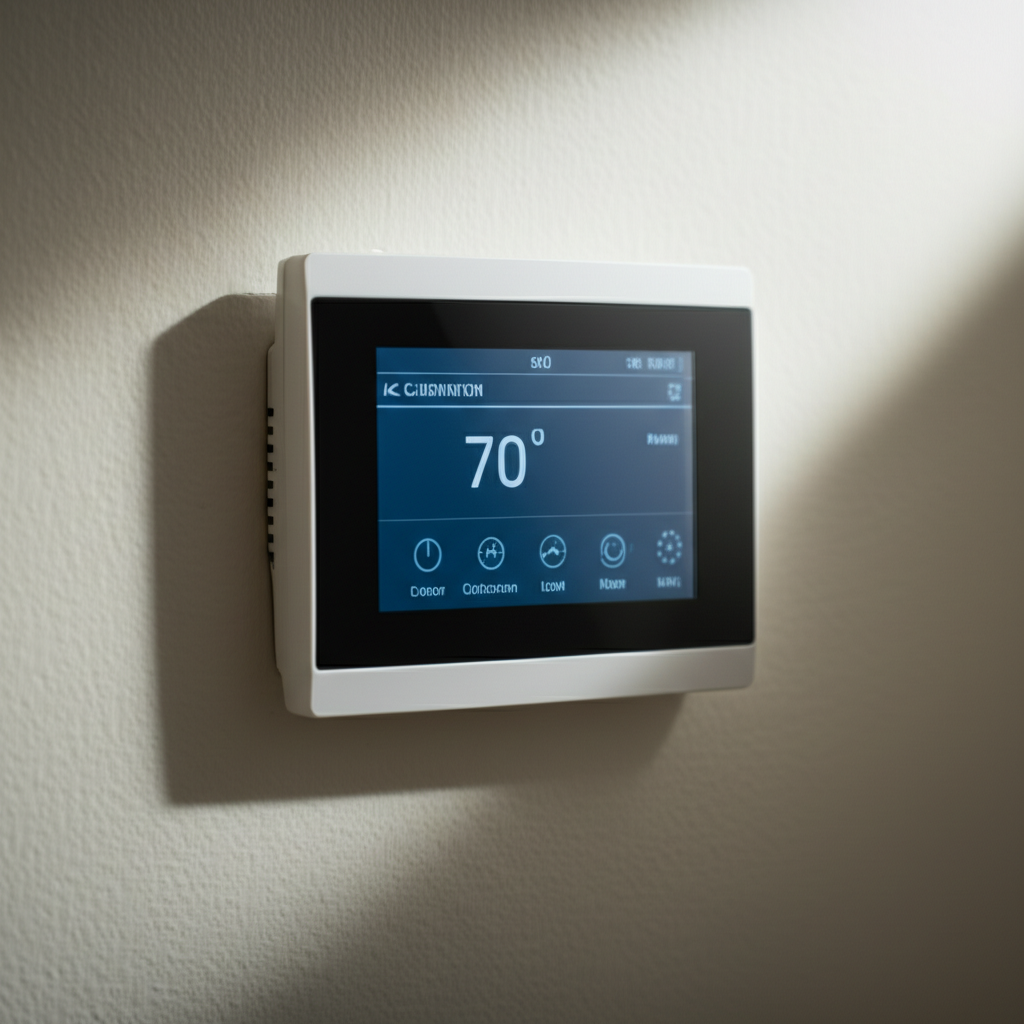
A thermostat is like the brain of your cooling system. It tells the big AC unit when to turn on and when to turn off. If the brain is confused, the system gets confused too.
Thermostats can drift out of sync over time. This is totally normal. Old batteries, changes in humidity, or even just age can make the reading slightly off. If your thermostat says it’s 72°F, but it feels like 76°F, you are wasting energy making the AC work too hard.
Calibration just means making sure the number on the wall matches the real temperature in the room. It is a simple checkup for your home’s comfort control center.
Step 1: Gather Your Simple Tools
You don’t need fancy equipment for this job. We only need two things to start our simple calibration check.
- A reliable, separate thermometer. A simple indoor/outdoor or digital thermometer works great. Make sure it uses fresh batteries.
- Your AC thermostat.
Place your separate thermometer in the middle of the room where the thermostat is located. Do not put it near windows, heat sources, or vents. We want to measure the room’s actual air temperature.
Step 2: Letting the System Settle Down
The AC needs time to cool the air evenly. We cannot check the temperature right after turning the system on. That would give us a false, very cold reading near the vent.
Set your AC thermostat to a comfortable cooling temperature. A good starting point is 75°F (24°C). This gives the system time to work.
Now, wait. Let the air conditioner run steadily for at least one full hour. This allows the room temperature to stabilize and settle completely.
Step 3: Comparing the Readings (The Core Check)
After the system has run for an hour, it is time to compare the numbers. Look closely at both devices.
- Read the temperature on your separate, trusted thermometer. Write this number down.
- Read the temperature displayed on your wall thermostat. Write this number down.
For example, if your wall thermostat reads 72°F, but your separate thermometer reads 74°F, your thermostat is running too cold. It thinks the room is colder than it really is, so it keeps cooling unnecessarily.
Step 4: Adjusting Your Thermostat (The Fix)
Most modern digital thermostats have a hidden calibration setting. Older models might just need you to adjust the set point until it feels right.
For Digital Programmable Thermostats
Many digital units let you adjust the temperature offset. You usually need to access the setup menu (check your manual for the exact steps, often involving holding down the ‘Menu’ or ‘System’ button).
If your wall thermostat reads 2 degrees too high (meaning the room is actually warmer than displayed), you need to tell the thermostat to add 2 degrees to its reading. Adjust the offset setting by that difference.
For Simple Manual Thermostats
If you have a simple dial or slider thermostat, you can still calibrate it through trial and error. Since you cannot change the internal calibration, you adjust the set point to match your comfort needs.
If the room is too warm at 74°F, lower the setting to 73°F. If it is too cold, raise it to 75°F. Keep making tiny, 1-degree adjustments until the thermostat setting matches the temperature you feel is perfect in the room.
Quick Guide: Thermostat vs. Real Temp
This simple table shows you what the difference means for your comfort:
| Wall Thermostat Reading | Separate Thermometer Reading | What This Means | Action Needed |
|---|---|---|---|
| 72°F | 75°F | Thermostat is reading too low (cold). | Increase the temperature setting or adjust the calibration offset up by 3 degrees. |
| 76°F | 74°F | Thermostat is reading too high (warm). | Decrease the temperature setting or adjust the calibration offset down by 2 degrees. |
Tips for Long-Term Accuracy and Savings
Once calibrated, keep these tips in mind to keep your system running efficiently. A well-calibrated thermostat saves energy!
- Avoid Direct Sunlight: Never place your thermostat where the sun shines on it, even for a little while. The sun fools the sensor into thinking the room is hotter than it is, making your AC run constantly.
- Keep Away from Heat Sources: Do not put it near lamps, TVs, or heat-producing electronics. These will also cause inaccurate readings.
- Check the Batteries: If you have a digital thermostat, changing the batteries every year keeps the electronics sharp and accurate.
- Clean Gently: Dust can build up inside the unit and affect readings. Gently wipe the outside and look up your manual for how to carefully clean the inside sensors.
For more in-depth information on saving energy with smart settings, check out these tips from the U.S. Department of Energy: Energy Saver Thermostat Guide.
Troubleshooting Common Calibration Issues
Sometimes, calibration isn’t the only problem. If your AC still acts strange after checking the temperature, look here:
| Symptom | Likely Cause (Beyond Calibration) |
|---|---|
| AC never turns off, even when the set temp is reached. | Stuck relay switch or a faulty sensor wire. |
| Thermostat shows the right temp, but the air is weak. | Dirty air filter or a low refrigerant charge. |
| The screen is blank or flickers. | Dead batteries or a wiring connection issue. |
If you suspect a wiring issue or the unit is very old, it is always best to call a professional technician. Safety first! Beyond calibration, ensuring good AC airflow is crucial for efficient cooling and comfort.
Frequently Asked Questions About Your AC Brain
Here are the simple answers to the questions I hear most often about thermostats.
Q: How often should I check my thermostat calibration?
A: Once a year, right before the cooling season starts, is a great habit to get into. It only takes a few minutes!
Q: Should I set my thermostat to ‘Auto’ or ‘On’?
A: Always use the ‘Auto’ setting. ‘Auto’ means the fan only runs when the cooling system needs to cool. ‘On’ means the fan runs non-stop, which wastes energy.
Q: What is the best temperature to save money?
A: Setting it as high as you can comfortably manage—like 78°F when you are home—saves the most money. Every degree higher saves about 3% on your bill. For targeted cooling in specific rooms that helps manage energy costs, you might also consider investing in some of the best affordable portable ACs for home.
Q: Can I calibrate a smart thermostat myself?
A: Yes, most smart thermostats have a simple calibration setting right in their mobile app or on the screen menu. It works just like the steps above!
Q: My old thermostat is a mercury dial. Can I calibrate that?
A: Those older ones are very hard to adjust precisely. If you have one of those, upgrading to a modern digital model will give you much better accuracy and savings.
Final Thoughts on Keeping Cool
See? Calibrating your AC thermostat is not a scary technical task. It is just a simple check to make sure your system is listening to you correctly. By taking just a few minutes to check your settings and placement, you ensure your AC works smart, not just hard.
Stay consistent with these small checks, and you will enjoy lower bills and perfect comfort all season long. Happy cooling!
