
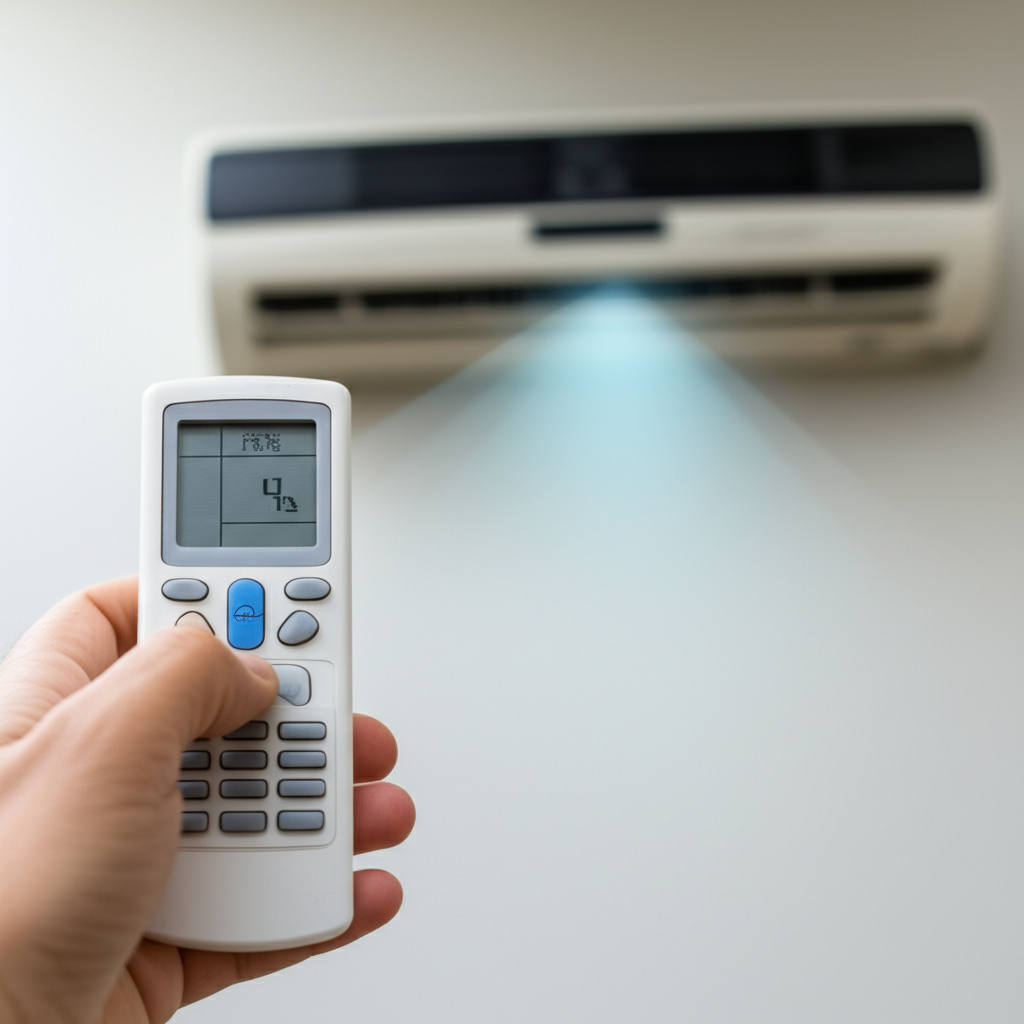
Quick Fix: If your AC remote isn’t working, the problem is almost always dead batteries or a blocked sensor. Try new batteries first, then clean the remote and check the indoor unit’s receiver window for obstructions. That usually does the trick!
It is frustrating when you want to cool down your room, but the air conditioner won’t listen. You press the button, and nothing happens. You might worry that your whole AC unit is broken. Do not worry about expensive repairs just yet. Many times, the problem is very small and easy to fix yourself.
I am Jack from ACReviewHub.com. I have helped hundreds of people fix simple AC hiccups. We are going to walk through the steps together. You will learn how to check the remote, the batteries, and the AC unit itself. By the end of this guide, you will feel confident fixing this common issue.
The First, Easiest Fix: Battery Power Check
The number one reason remotes stop working is tired batteries. It is so simple we often forget to check it!
Think of your remote like a small flashlight. If the batteries are weak, the light (or the signal) is weak too.
Step-by-Step: Replacing Remote Batteries
Follow these simple steps to swap out the power source:
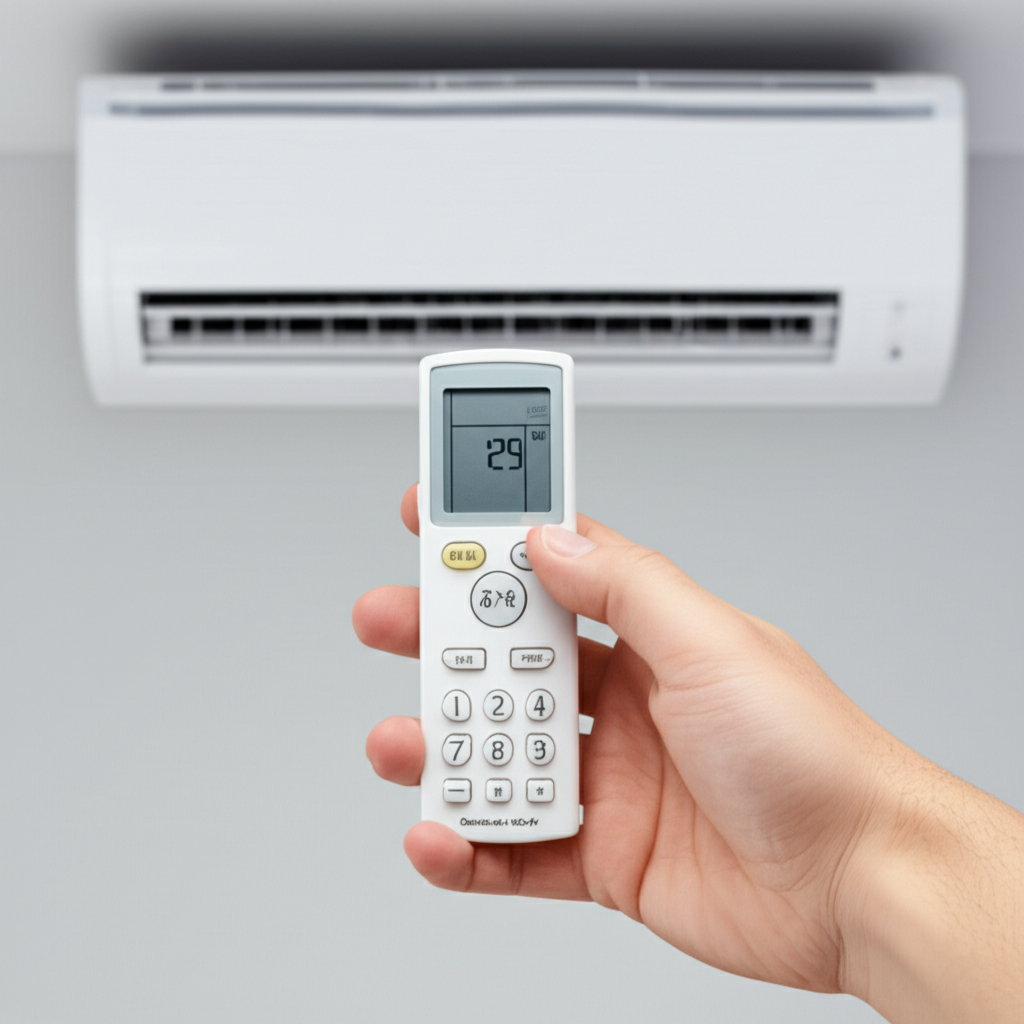
- Slide open the back cover of your remote control.
- Note which way the old batteries are pointing (positive ‘+’ and negative ‘-‘).
- Remove the old batteries completely.
- Insert brand new, good quality batteries. Make sure the positive and negative ends match the markings inside the compartment.
- Snap the cover back on tightly.
If the remote still does nothing after a battery change, we move to the next step: checking the signal.
Is the Signal Reaching the AC Unit?
Your remote sends an invisible signal to the indoor AC unit. This signal is usually infrared light, just like your TV remote.
If something blocks the path, the AC will not get the message to turn on.
Test 1: Line of Sight Check
Make sure nothing is sitting directly in front of the indoor unit where the remote points. This is often a curtain, a tall picture frame, or even dust buildup.
Test 2: The Phone Camera Trick (The Secret Test)
This is a quick trick I use all the time to see if the remote is actually sending any signal at all.
- Grab your smartphone.
- Open the camera app—the regular photo mode works best.
- Point the front of the AC remote directly at your phone’s camera lens.
- Press and hold any button on the remote (like the Power button).
- Look closely at your phone screen.
If the remote is working, you should see a faint white or purple flashing light coming from the remote’s tip on your phone screen. If you see the flash, the remote is sending a signal, and the problem is likely with the AC unit’s sensor. If you see nothing, the remote itself is still the problem.
Cleaning the Remote and Sensor
Dust and grime can stop buttons from working or block the sensor window.
Cleaning the Remote Buttons
Sometimes, a sticky button means the circuit inside doesn’t close properly.
Wipe down the whole remote with a slightly damp cloth. Pay special attention to the buttons. If a button feels mushy or stuck, press it repeatedly to try and clear any buildup underneath.
Cleaning the AC Sensor Window
The sensor on the indoor unit looks like a tiny dark glass or plastic window. This is where the signal comes in.
Gently wipe this area clean with a soft, dry cloth. Do not use harsh cleaners or scratch this spot, as it can damage the receiver.
When Simple Fixes Do Not Work: Deeper Checks
If you have new batteries and a clean line of sight, but the remote still fails the camera test, it is time to look at the remote hardware or the AC itself.
Check for Physical Damage
Did the remote get dropped recently? Check for cracks, especially near the battery compartment or the front tip.
Resetting the AC Unit
Sometimes the indoor unit’s receiver gets confused. A simple power cycle can clear this temporary glitch.
Turn off the power to your AC unit at the main circuit breaker. Wait about five minutes. Then, turn the power back on. Try the remote again.
If you need to check how much cooling power you need for your room, this chart can help you pick the right size unit later on:
| Room Area (Square Feet) | Recommended Cooling Capacity (BTUs per Hour) |
|---|---|
| 150 to 250 sq. ft. | 5,000 to 6,000 BTU |
| 250 to 350 sq. ft. | 7,000 to 8,000 BTU |
| 350 to 450 sq. ft. | 9,000 to 10,000 BTU |
| 450 to 550 sq. ft. | 12,000 BTU |
What If the Remote Still Won’t Work?
If you have followed every step and the remote fails the camera test, the internal electronics of the remote are likely broken.
You have two main options left:
- Buy a Replacement Remote: You can order an exact replacement specific to your AC model number. Look on the side or back of your indoor unit for the model number to ensure you get the right one.
- Use a Universal Remote or Smartphone App: Some modern ACs can be controlled by universal remotes or special apps on your smartphone if they have Wi-Fi capabilities. Check your original AC manual for compatibility.
If the AC unit powers on fine using the manual buttons on the unit itself, but absolutely nothing happens when you use the remote (even with new batteries), then the remote replacement is necessary.
For more general energy-saving tips for your air conditioner, check out resources from Energy.gov.
Frequently Asked Questions (FAQ)
Here are a few common things folks ask when their remote stops cooperating:
- Why does my remote only work sometimes?
- Usually, this means the batteries are very low but not completely dead. Replace them immediately to get a strong signal.
- Can I use any other remote to control my AC?
- Only if it is a universal remote specifically programmed for your brand of air conditioner. Stick to the original type if possible.
- What is that little light on the AC unit that blinks?
- That blinking light is usually the indicator that the AC is receiving signals from the remote, or it might be a warning code. Check your manual!
- Do I need to unplug the AC to reset it?
- Yes, unplugging it at the breaker for a few minutes is the safest and most effective way to fully reset the indoor unit’s main board.
- My remote is really old. Should I just replace it?
- If it is more than five years old and keeps failing after battery changes, yes, replacing the remote is usually cheaper than troubleshooting further.
Fixing a non-working AC remote is usually a fast win for any homeowner. It feels good to solve a problem without calling a technician!
Remember to change those batteries once a year just to be safe. Keep checking the sensor, and your air conditioner will listen to you again in no time. Stay cool, and happy cooling!
