
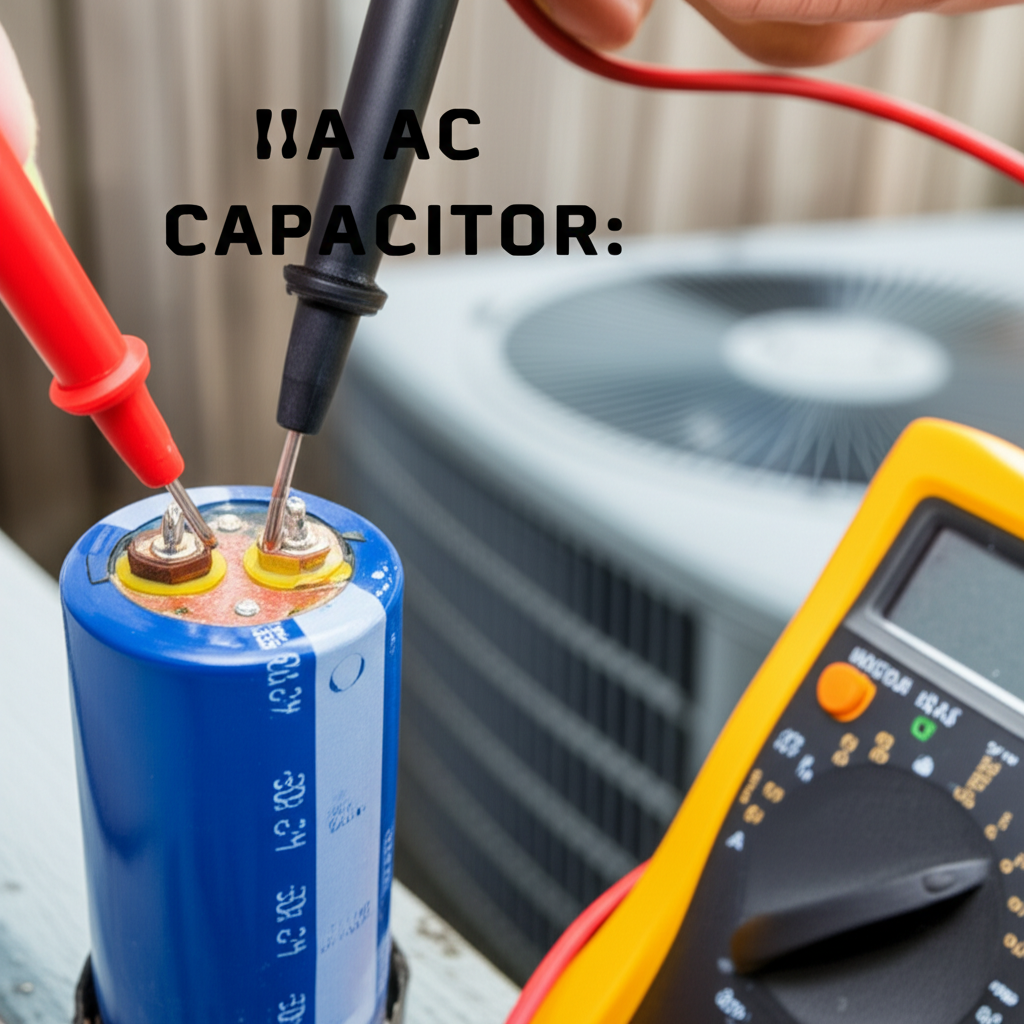
Checking your AC capacitor is key if your unit struggles to start or hums loudly. This easy guide shows you how to safely test this small but vital part using a multimeter, helping you fix cooling issues fast without a service call.
Is your air conditioner suddenly making strange noises? Maybe it tries to turn on but just hums, or perhaps it won’t start at all. These can be frustrating problems when the weather gets hot. Many homeowners worry that these issues mean a huge repair bill is coming. Don’t worry, though. We can check one common culprit together.
That culprit is often the AC capacitor. It’s a small part that gives your AC motor the big push it needs to start running. I am Jack from ACReviewHub.com, and I will walk you through testing this part step-by-step. By the end of this guide, you will feel much more confident about your AC system.
Why Your AC Capacitor Matters So Much
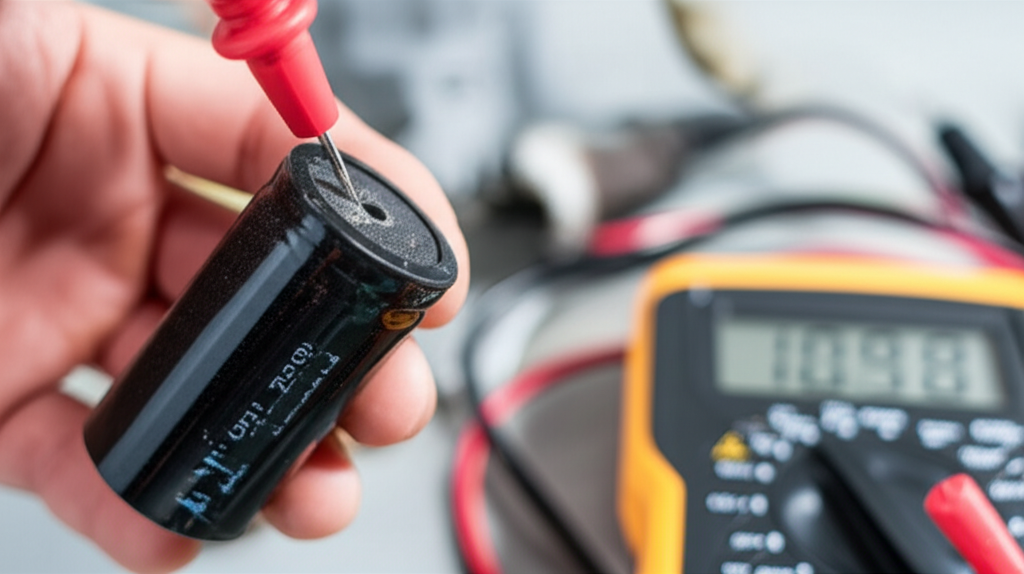
Think of the capacitor like a tiny battery with a big job. It stores up a quick burst of electrical energy. This energy is needed to get the big fan motor and the compressor moving when you turn the thermostat down.
If this part fails, the motor gets the signal to start but doesn’t get enough power. This often results in that annoying humming sound you hear coming from outside your unit.
A bad capacitor is one of the easiest and cheapest parts to replace. Learning to check it can save you time and money right away.
Safety First: Essential Precautions Before Touching Anything
Electricity is serious business, even in a small AC unit. We must turn off the power before we open up the outdoor unit, called the condenser.
Never skip this step. It keeps you safe from shocks.
Here is the safety checklist:
- Turn the thermostat inside your house to the “Off” position. Wait five minutes.
- Go to your main electrical service panel (the breaker box).
- Find the breaker labeled for your AC unit or furnace/air handler and switch it completely OFF.
- Go back to the outside unit and find the separate shut-off switch near the unit itself. This is usually a gray box on the wall next to the AC. Turn this switch OFF too.
- Press the contactor switch inside the outdoor unit (we will see this later) to make sure all leftover power is drained.
What You Need: Simple Tools for the Job
You don’t need a whole toolbox for this check. You just need two main items. Having the right gear makes the job simple and safe.
Here are the tools we will use:
- Multimeter: This tool measures voltage and resistance. Make sure it has a setting for measuring capacitance (usually marked with a “µF” or “CAP” symbol).
- Screwdriver: You will need a Phillips or flathead screwdriver to remove the access panel on the outdoor unit.
Step-by-Step Guide: How to Check AC Capacitor Health
Once the power is off, we can safely look inside the outdoor unit. Remember, the capacitor is usually a silver or black cylinder. It will have a set of wires connected to it.
Follow these steps carefully to test the part:
Step 1: Locate and Identify the Capacitor
Remove the service panel on the side of the outdoor unit. Look for the capacitor. It is often near the contactor (a black box with thick wires). Capacitors have two important numbers printed on their side. These are the microfarad (µF) ratings. A dual capacitor will have two numbers, like 40/5 µF.
Step 2: Safely Discharge the Capacitor
Even with the power off, a capacitor can hold a dangerous charge. You must drain it first. Use the handle end of your insulated screwdriver. Touch both metal terminals on the capacitor at the same time with the metal tip of the screwdriver. You might see a tiny spark—that is normal. This drains the stored energy.
Step 3: Disconnect the Wires
Take a clear picture of how the wires are connected! This is very important for putting it back together correctly. Gently pull the spade connectors off the terminals. Do not pull the wires themselves.
Step 4: Set Up Your Multimeter
Set your multimeter dial to the capacitance setting (µF). If your meter is not auto-ranging, choose the setting closest to the lowest number on your capacitor (e.g., if it says 40/5 µF, set it to the 200 µF range). Plug the multimeter probes into the correct ports on the meter.
Step 5: Test the Capacitor Reading
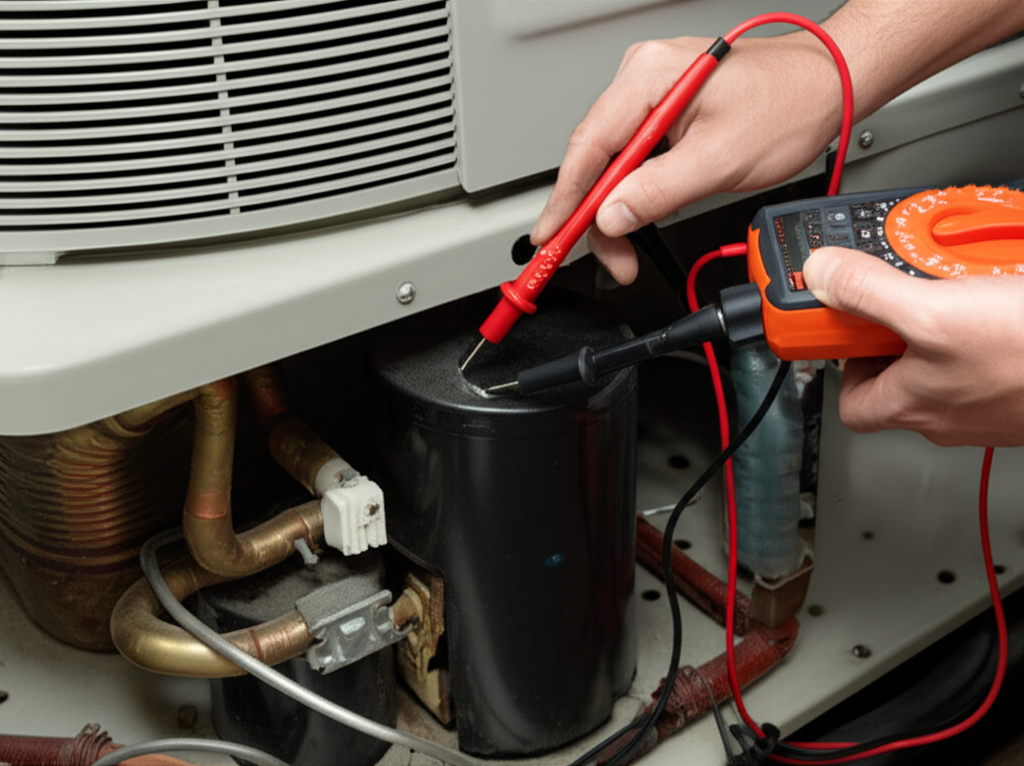
Touch the multimeter probes to the terminals on the capacitor. If you have a dual capacitor, test each section separately. Touch one probe to the ‘C’ (Common) terminal and the other to the ‘HERM’ (Hermetic/Compressor) terminal for the first test. Then test ‘C’ to ‘FAN’.
Watch the reading on the screen. It should be very close to the number printed on the side of the capacitor. For example, if the side says 40 µF, a reading between 36 µF and 44 µF is generally considered good.
Interpreting Your Results: Good or Bad?
The main thing we are looking for is how far the reading is from the labeled number. Capacitors wear out slowly over time.
Here is a simple chart to help you decide if replacement is needed:
| Capacitor Reading | Health Status | Action Needed |
|---|---|---|
| Within 5% of Label (e.g., 38–42µF on a 40µF cap) | Excellent | No action needed. |
| 6% to 15% off Label | Weakening | Consider replacement soon, especially if the AC is struggling. |
| More than 15% off Label | Failed/Failing | Replace immediately for reliable cooling. |
If the meter reads zero, or just shows an error, the capacitor has definitely failed.
What to Do After Testing: Replacing the Part
If your test shows the capacitor is weak or dead, you need a replacement. Get a new one that exactly matches the voltage and microfarad (µF) ratings of the old one.
To install the new one, simply reverse the steps you took to remove the old one. Remember to use your picture for reference!
Once everything is connected, secure the capacitor in its holder. Put the access panel back on the unit.
Reconnecting Power and Testing the AC
Now it is time to bring the power back on safely. This is exciting!
Reverse your initial safety steps:
- Turn the shut-off switch near the outside unit back ON.
- Go inside and set your thermostat to a cool temperature (like 70°F).
- Listen carefully. The unit should start up smoothly within a few minutes, without any loud humming or buzzing.
If your AC starts blowing cold air quickly, great job! You just saved yourself a service call fee.
Quick Tips for AC Longevity
Taking care of your AC system means small, regular habits keep big problems away. Here are a few easy maintenance tips:
- Change your air filter every 1–3 months. A dirty filter makes the whole system work too hard.
- Keep the area around the outdoor unit clear of leaves and grass clippings (at least two feet of space).
- Schedule professional cleaning every year or two to keep coils clean.
For more details on general AC maintenance schedules, check out resources from the U.S. Department of Energy at Energy.gov.
Frequently Asked Questions for Beginners
Here are some common questions I hear about capacitors and starting issues.
Q: Can I run my AC if the capacitor is weak but not totally dead?
A: You can, but you shouldn’t run it for long. A weak capacitor makes the compressor work harder, which can cause it to overheat and burn out—a much more expensive fix!
Q: How long should an AC capacitor last?
A: A good quality capacitor usually lasts 10 to 15 years. Hot climates tend to shorten their lifespan slightly.
Q: My AC started fine, but now it’s not cooling well. Is it still the capacitor?
A: If the cooling is weak, it might be low on refrigerant or have a dirty coil. A capacitor usually causes a complete failure to start or constant tripping, not just weak cooling.
Q: What if my multimeter doesn’t have a capacitance setting?
A: You cannot safely or accurately test the capacitance without that specific setting. It is worth buying an inexpensive one that does, or calling a professional for this one test.
Q: How do I know if the problem is the capacitor or the contactor?
A: If you hear a loud, rapid clicking sound when the thermostat calls for cooling, it is often the contactor trying and failing to engage. If you hear a steady, low hum, the capacitor is the more likely issue.
Conclusion
See? Checking your AC capacitor is not scary or overly complicated when you take it one safe step at a time. You now have the knowledge to diagnose a common AC failure and save money.
Keep up with these simple checks and maintenance routines, and your air conditioner will keep you cool and comfortable for years to come. You’ve got this!
